A website redesign becomes easier to plan when the content has a clear job. Before choosing a new visual direction, review what visitors need to find, which pages answer their questions and what happens after they click a button. The aim is to connect the design to the business and the people using the site.
Review what is already there
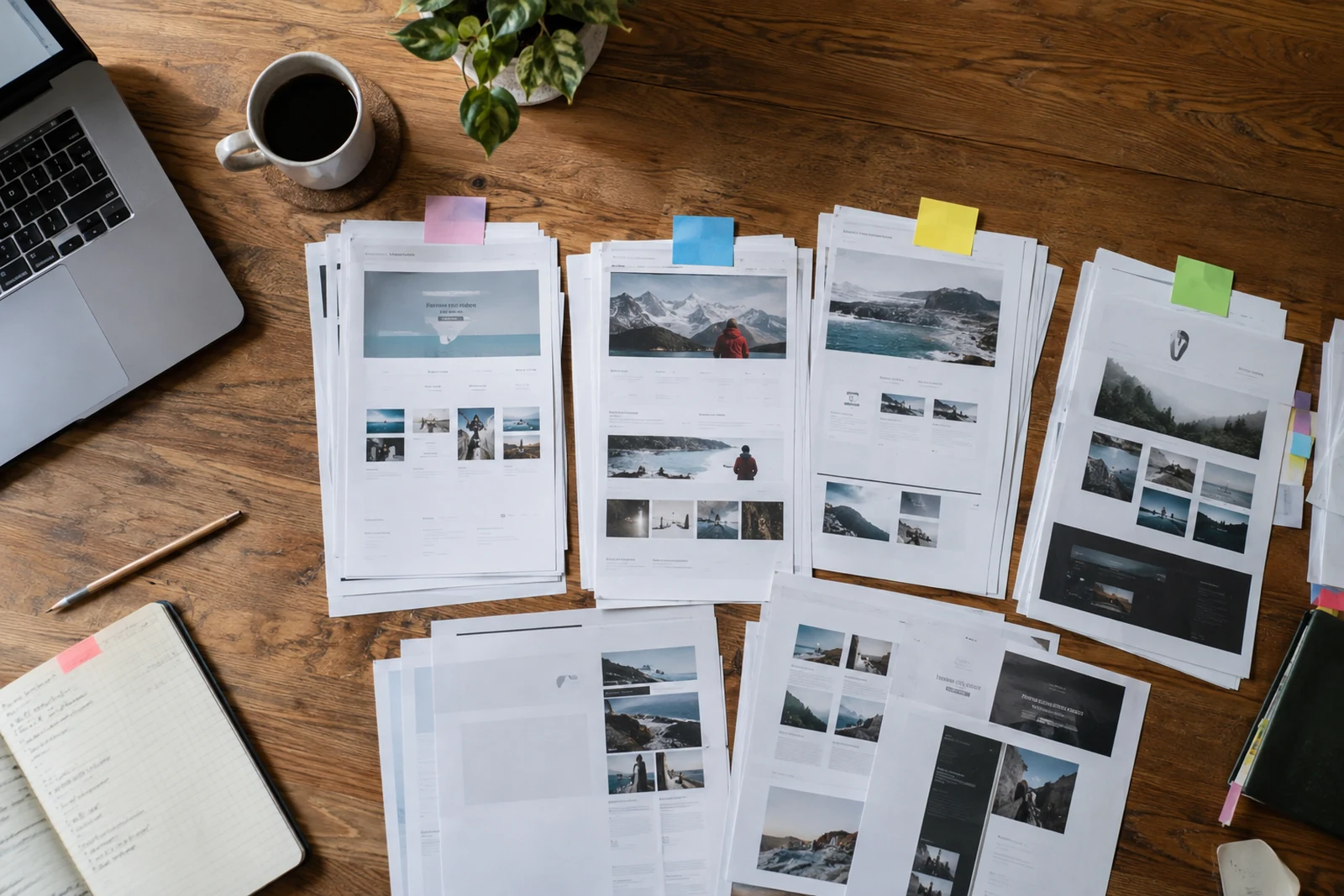
Create a page inventory with the current address, page title, purpose and content owner. Mark pages that need updating, pages that overlap and pages that still provide useful information. Keep a copy of the existing site and any important assets before making changes.
Review enquiries and recurring questions alongside the page inventory. If visitors frequently ask for information already on the website, the issue may be wording, navigation or placement. A redesign should address that discovery problem rather than simply carry the same content into a new layout.
Give every important page a purpose
A service page should explain the service, its scope, who it helps and how to start a conversation. A project page should show the work and describe what can be supported by the available project information. A contact page should explain the next step and provide a usable way to take it.
Plan the page around the question the visitor needs answered.
Write the main message first, then decide which details support it. Use descriptive headings that help someone scan the page. Long text is useful when it answers meaningful questions; repeated paragraphs make the information harder to find. Keep claims, photographs and case-study descriptions accurate.
Connect navigation to real decisions
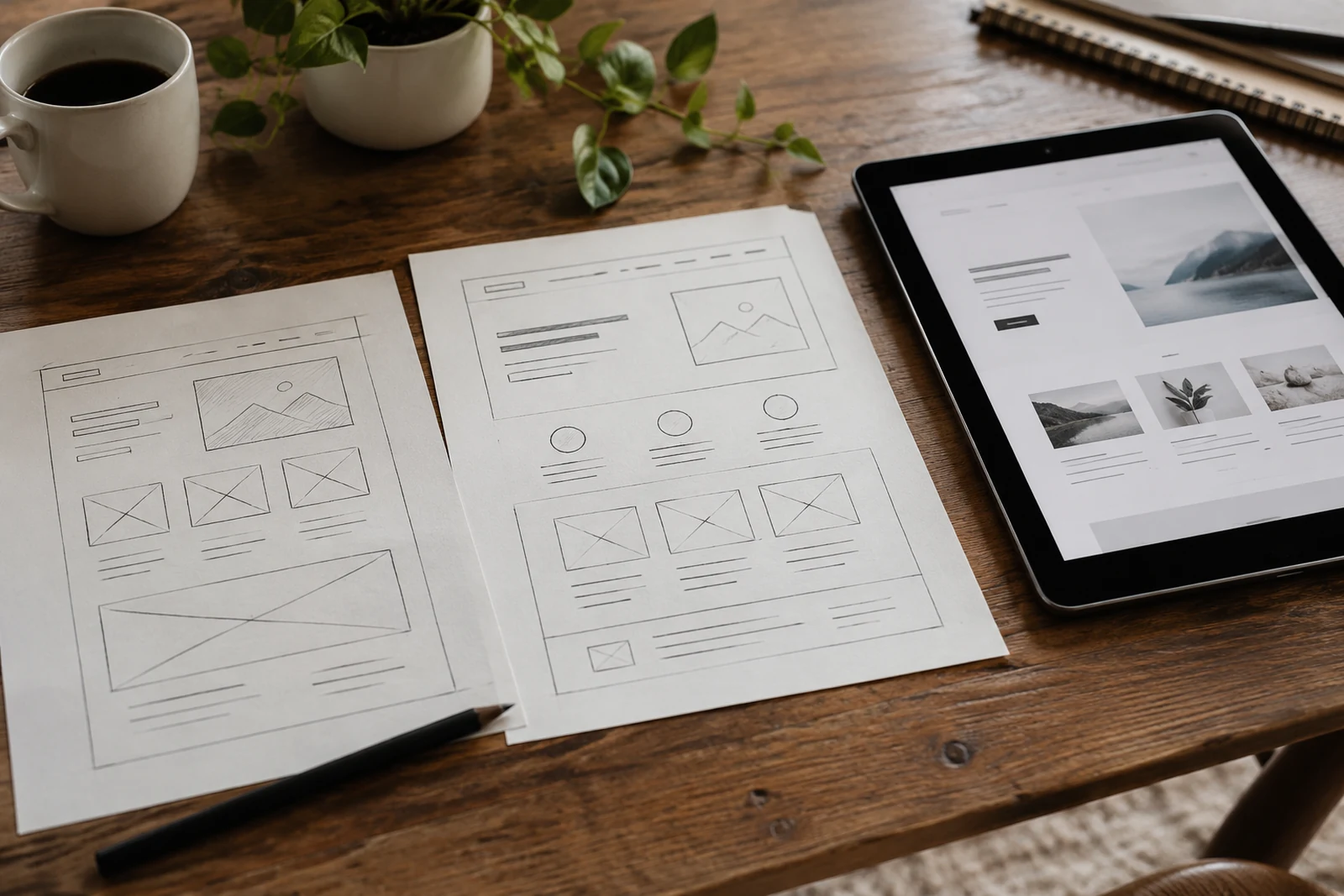
Organize pages around the services and information visitors need. A person comparing two services should be able to move between them without returning to the homepage. Related links can help when their labels explain the destination. Avoid giving different links the same vague label when their purpose is different.
Check the main journeys on a small screen. Can a visitor understand the service, review relevant work and contact the team? Test the menu, forms and links as a sequence. The page may look polished while still making that sequence unnecessarily difficult.

Plan images alongside the copy
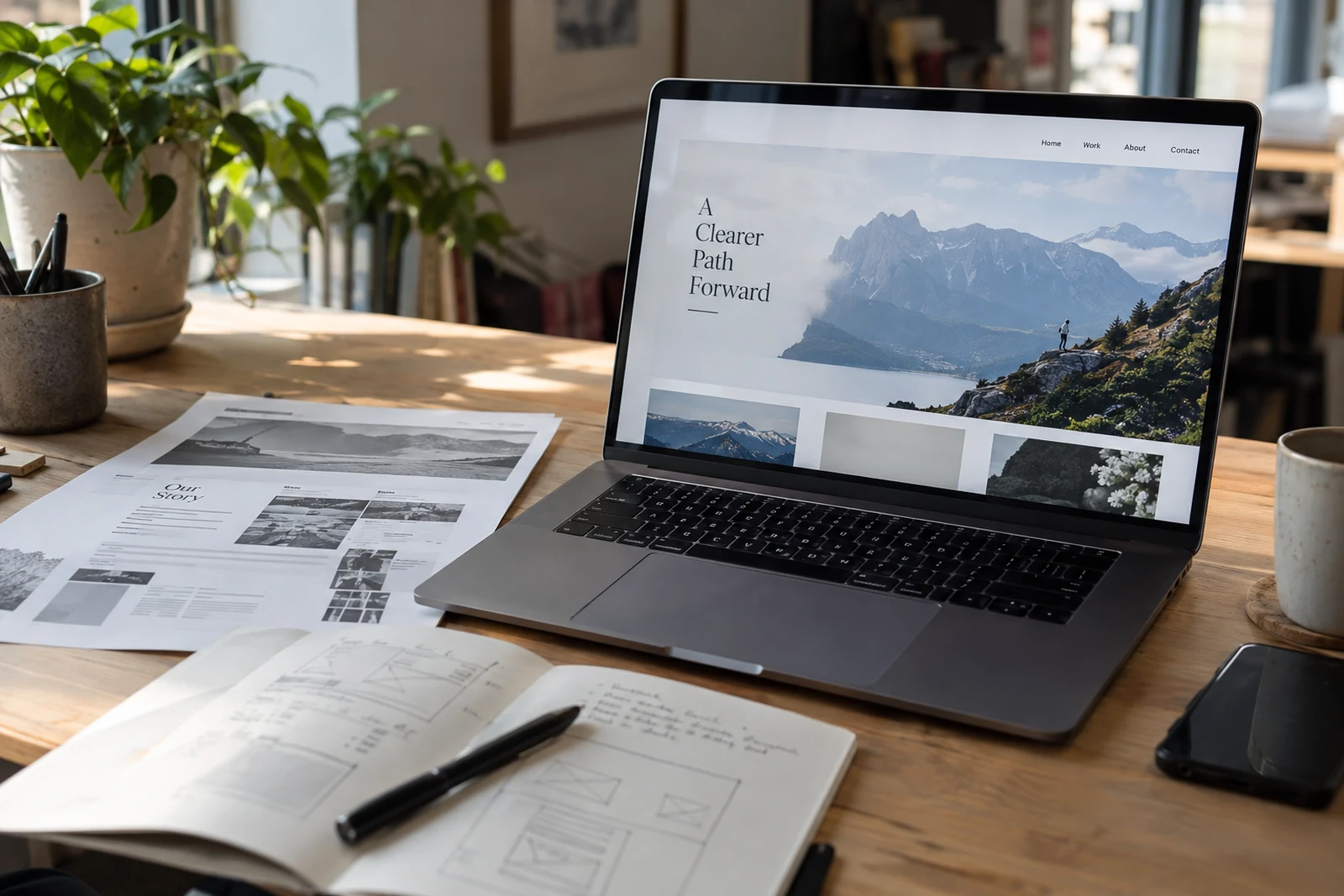
Select photographs or product screenshots that support the subject of each section. A detailed screenshot can help explain an interface, but it needs enough space to remain readable. Pair an image with the relevant explanation instead of placing every image in one gallery and all the text in another block.
Use accurate alternative text for meaningful images. Decorative images can have empty alternatives. Avoid embedding important page information only inside an image, because visitors should also be able to read it as ordinary text.

Keep the existing addresses in view
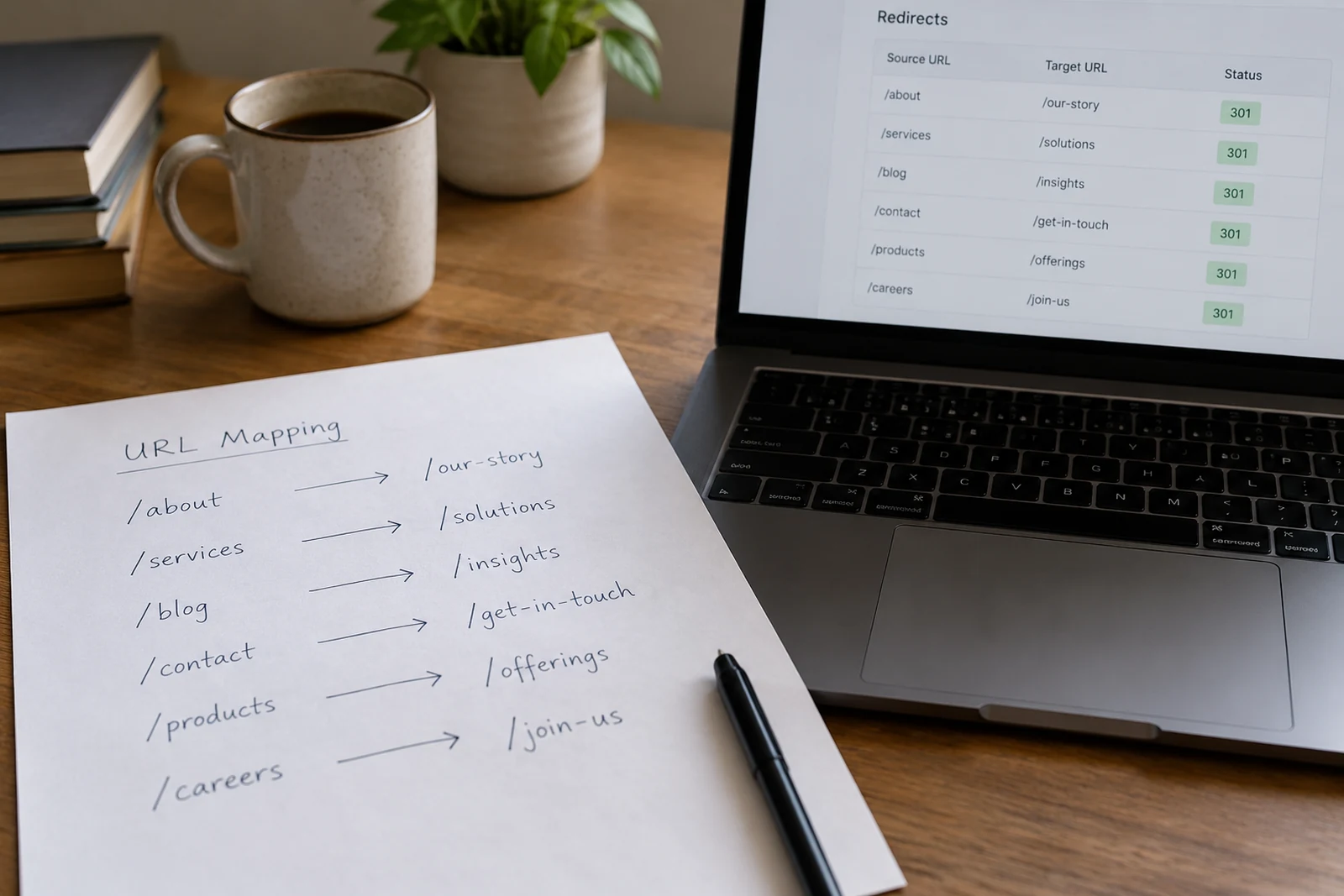
Record which URLs will stay and which will change. If an important page moves, define a redirect to its relevant replacement. Update internal links to the new destination. Avoid sending unrelated old pages to the homepage just to remove errors.
Review titles, descriptions, headings and canonical addresses after the content is settled. Check that the sitemap contains the intended public pages and that private or duplicate material is excluded. Search visibility depends on more than metadata; the page itself still needs to answer the visitor's question.
Prepare a practical handover
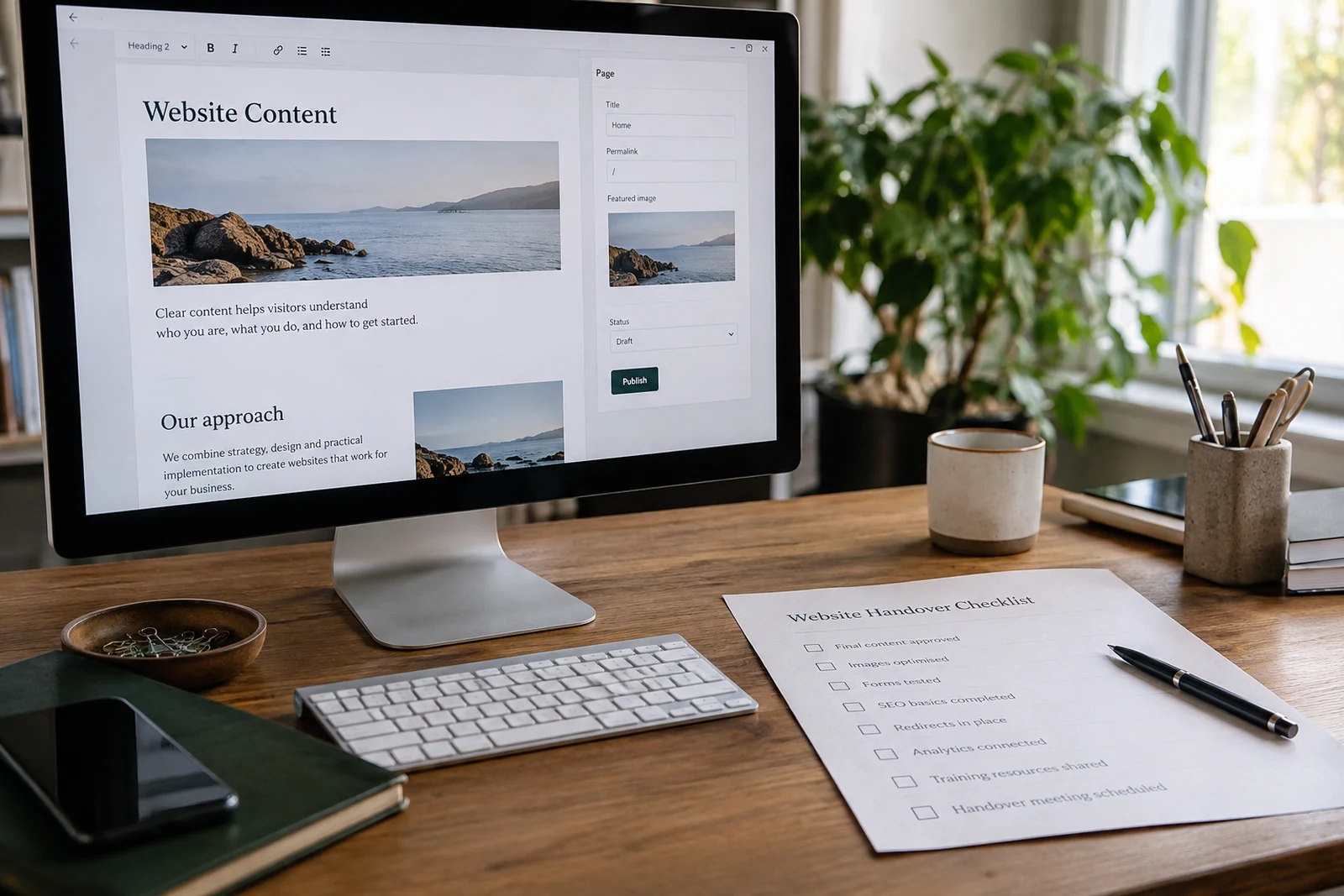
Decide who will maintain the content and how they will edit it. Give that person clear ownership of contact details, service descriptions and new project additions. A redesign is easier to sustain when routine updates do not depend on rediscovering how the site was built.
Explore website design and development and website redesign, read our website planning guide, or discuss a redesign with Heavenkeys.