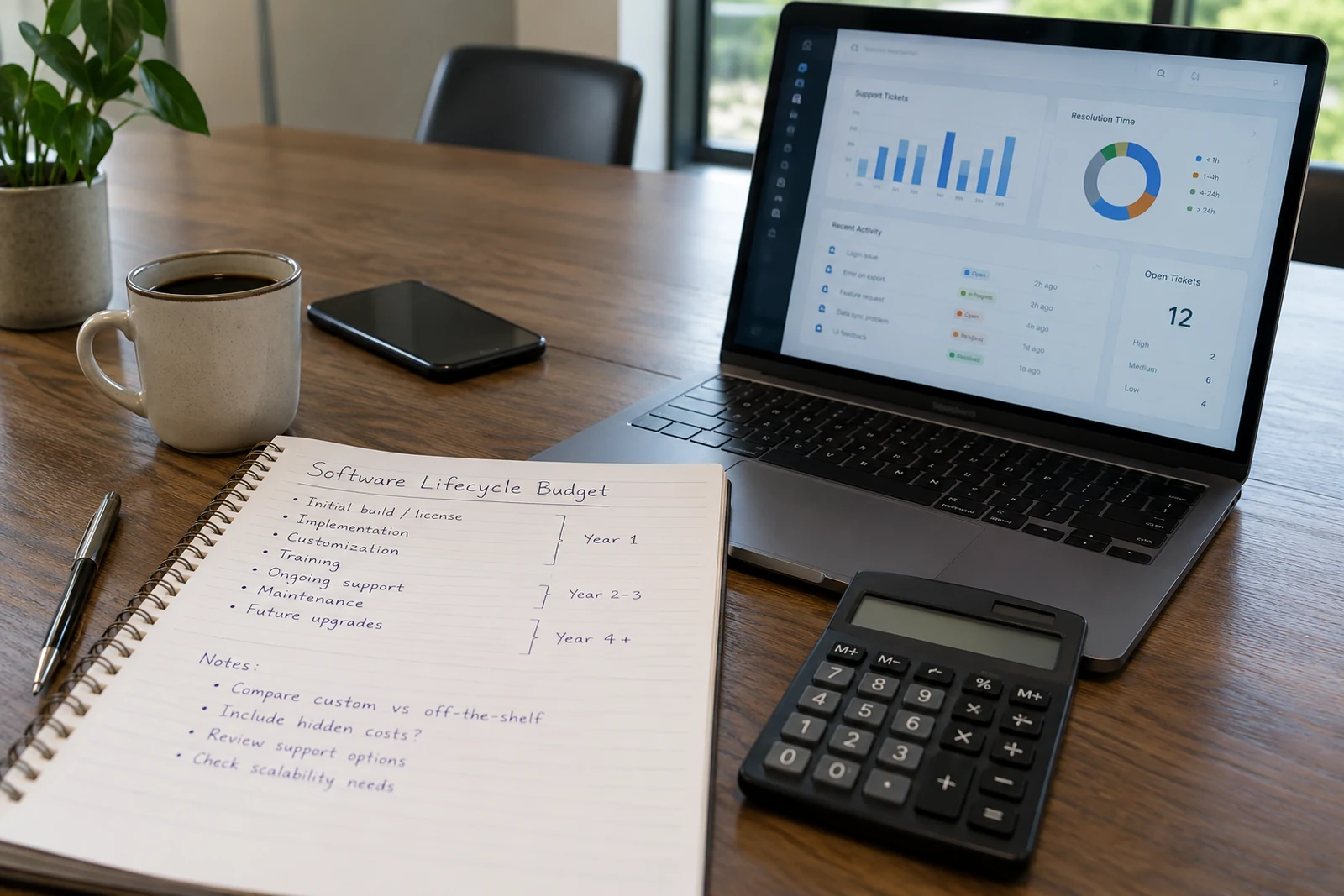
How to compare existing software with a custom build.

Understand the friction
Identify the repetitive work, disconnected systems, and limitations that cost your team time. Be specific about the problem and its effect.
Keep examples of duplicate data entry, manual approvals or reports assembled by hand. Record how often each task happens and who is involved before deciding that new software is needed.

Review existing options
An existing tool may cover your needs well. Compare how it supports your key workflow, what it integrates with, and what workarounds remain.
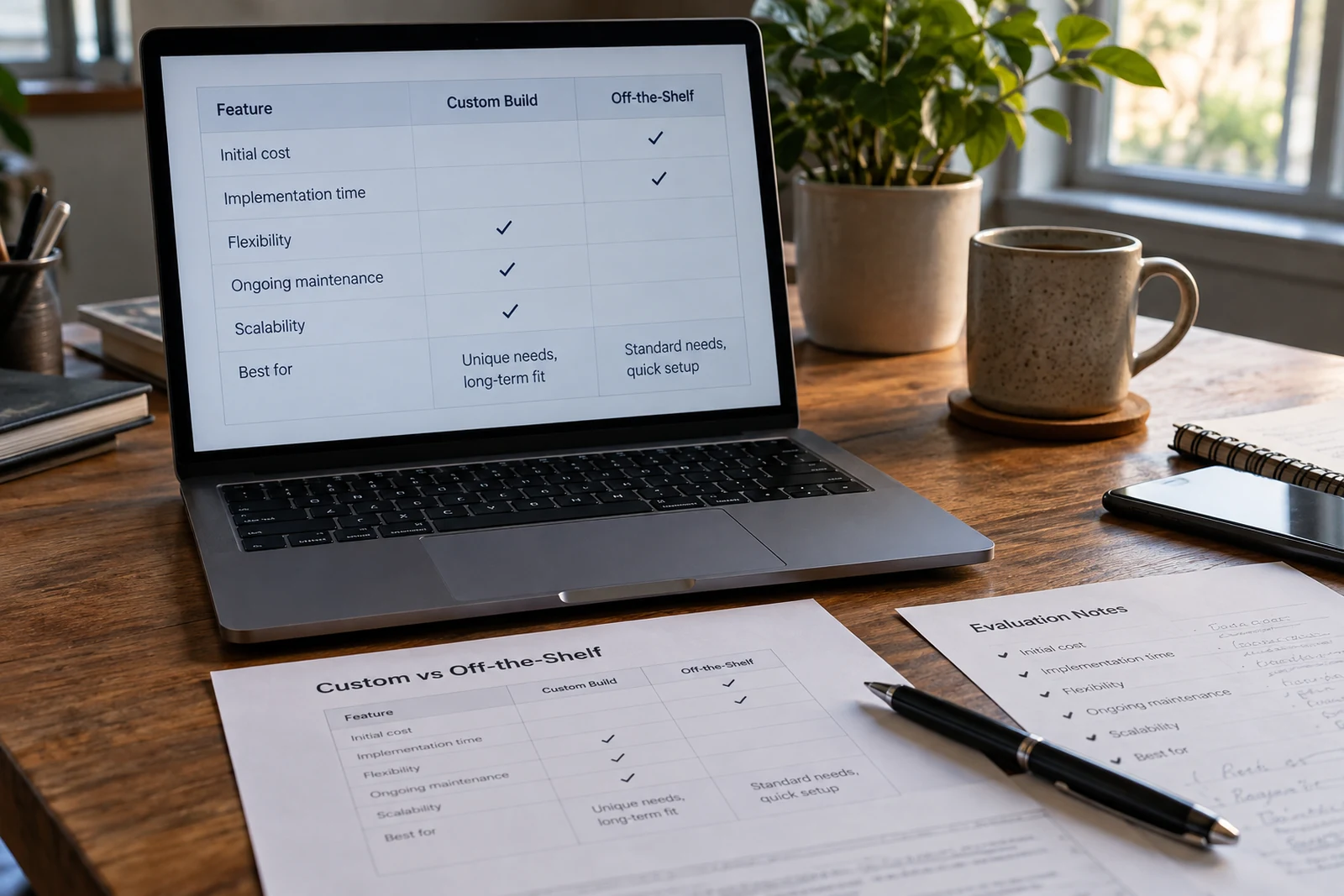
Try the same real task in each shortlisted tool. Check permissions, exports, integrations and the steps your team would still need to handle outside the system.
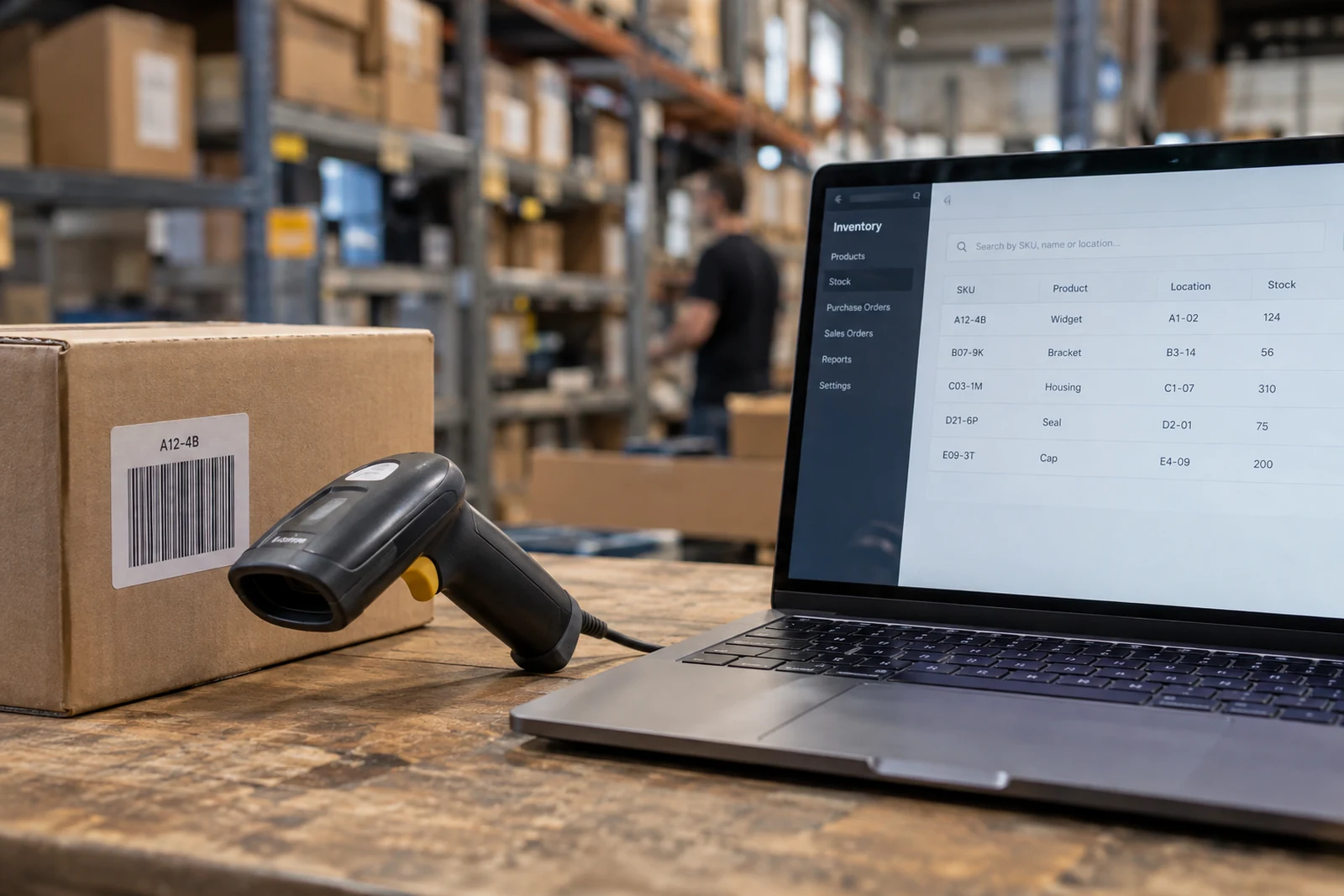
Consider the whole lifecycle
Custom software needs ongoing maintenance, hosting, updates, and ownership. Plan for these alongside the initial development.
For both options, account for setup, subscriptions, data migration, training and support. Decide who will own the system and what happens if a provider or key dependency changes.
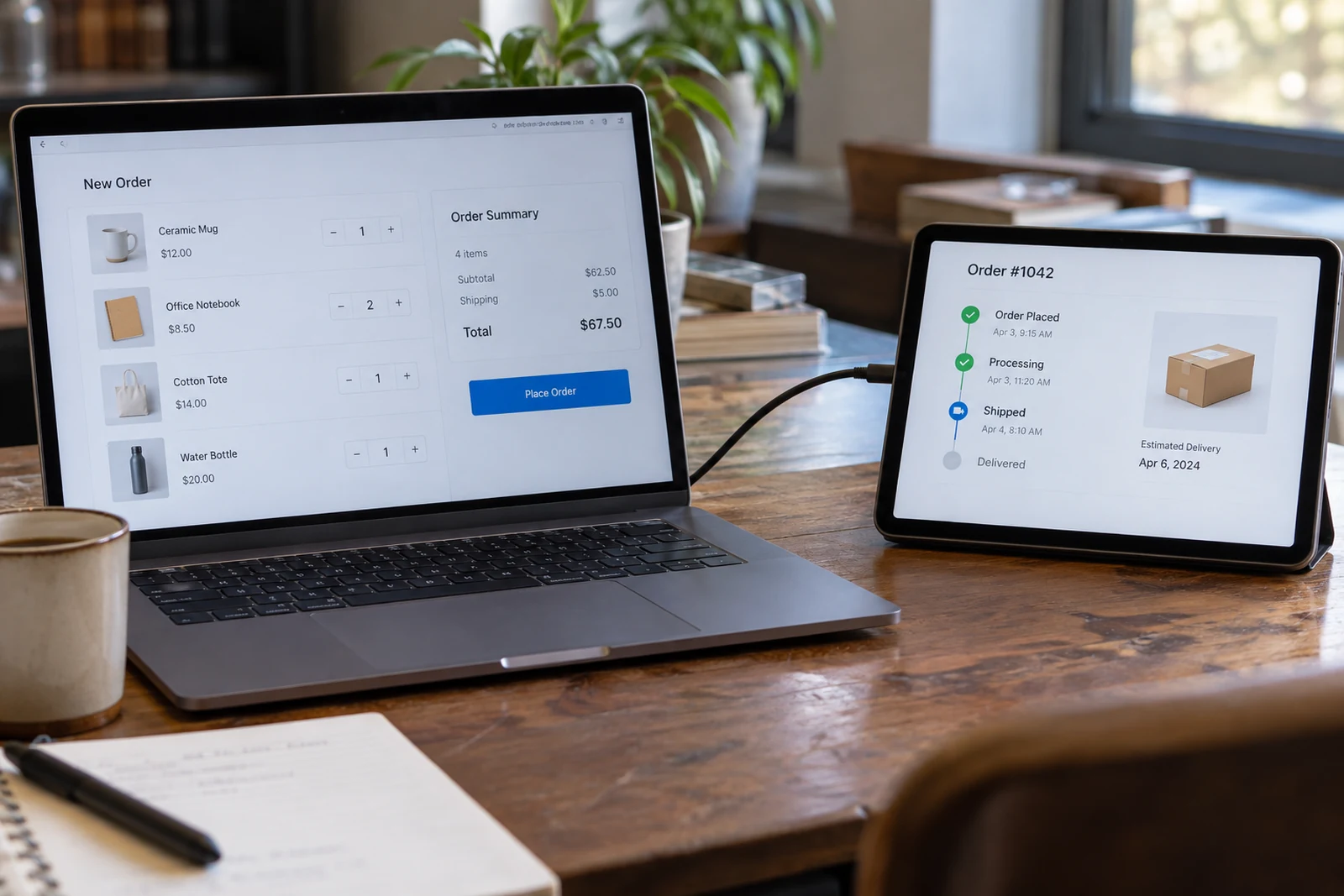
Scope the useful difference
Build custom where your process needs something distinctive. Focus the first phase on the parts that create a clear improvement for your team.
An integration or small internal tool may cover the missing step without replacing the whole system. Compare that option with a full custom build before choosing the scope.

Bring this to your first conversation
Your main goal, an example of the current problem, your essential requirements, and the constraints that shape the project.