Define your audience, content and priorities before design begins.
Define the job
Decide what your website needs to help people do: understand a service, enquire, buy, book, or get support. Pick a primary goal and use it to guide your decisions.
For example, a service business may need visitors to submit a qualified enquiry. That decision affects the service pages, contact form and information needed before someone gets in touch.
Know your audience
Describe who you want to reach, what they need to know, and what could stop them from taking the next step. Include the questions your customers ask most often.

Ask the people who answer customer calls or emails which questions come up repeatedly. Their answers can help you decide what belongs on the website and what visitors need to see first.

Bring your content together
Gather your logo, brand guidelines, service information, photographs, and existing website access. Note what is ready, what needs updating, and who will approve it.
Give each item an owner and an approval date. Check that you have permission to use supplied photographs and that product or service details are current.
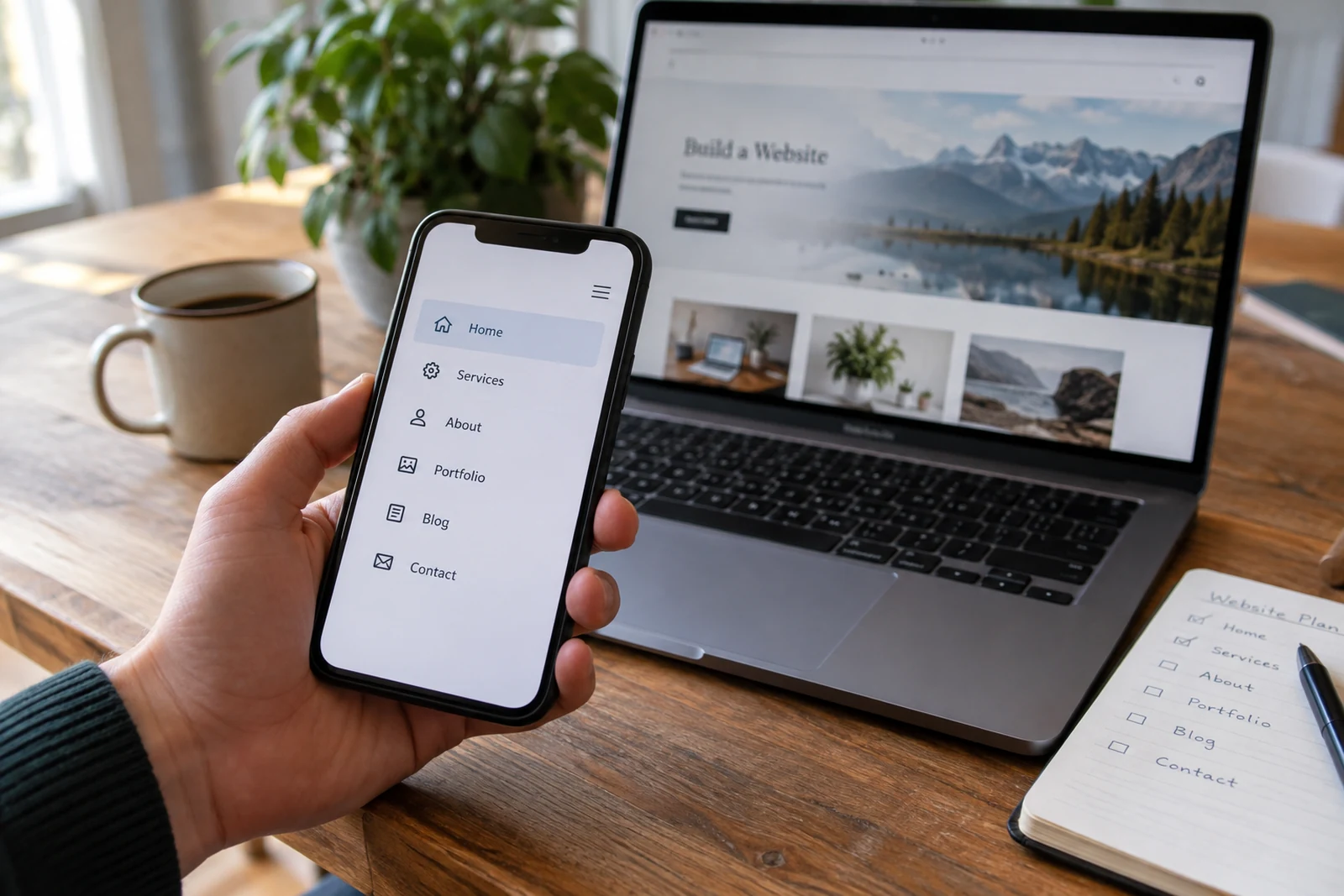
Set practical priorities
Separate essential features from ideas for later. Share budget and timing constraints early so the proposed approach fits your business.
If timing is tight, decide which pages and features are required at launch. Keep a separate list for later work so a new idea does not silently change the launch scope.
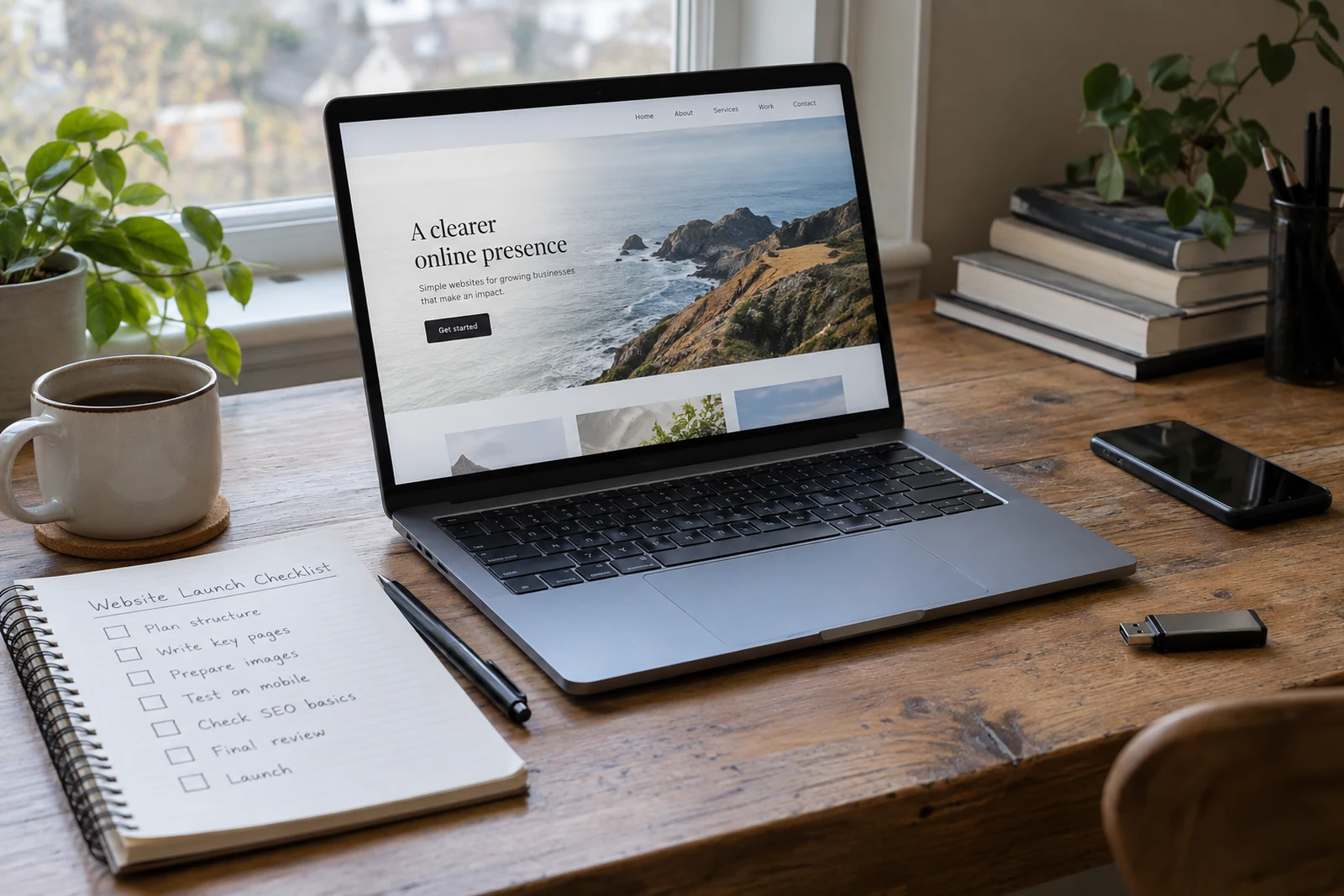
Bring this to your first conversation
Your main goal, an example of the current problem, your essential requirements, and the constraints that shape the project.