A film production brief connects an idea to the decisions needed to make and deliver it. It tells a production team who the film is for, what it needs to communicate, what can be filmed, and how the finished work will be approved. Without that connection, an attractive reference video can become a substitute for a workable plan. A useful brief gives creative people room to propose an approach while making the practical boundaries visible.
This guide is written for businesses, organizations and producers commissioning a film or video. It covers development, pre-production, filming, editing and delivery in plain language. The examples are hypothetical planning examples, not Heavenkeys client results. You can use the questions to prepare a first conversation or review an existing brief. A particular production may need specialist advice, permissions or specifications beyond this guide; those requirements belong in the agreed scope rather than being assumed.
1. Describe the job the film needs to do
Begin with the situation that makes the film necessary. Perhaps visitors understand your services poorly, new staff need an explanation of a process, or an event needs a record that people can revisit. Describe the problem before choosing a cinematic style. “We need a two-minute video” specifies a container, but it does not explain the reason for making it. The team still needs to know what a viewer should understand when those two minutes end.
Choose one primary communication objective. A film can contain several ideas, but an introduction, a training resource and a fundraising appeal require different structures. When every stakeholder adds an equally important message, the result can become a list rather than a story. Put secondary messages in a separate section of the brief. The creative discussion can then determine which ones support the main objective and which need another asset.
For example, a hypothetical building company might want to explain how a renovation moves from an initial conversation to a finished space. That is a clearer assignment than “show that we are professional.” It suggests useful material: a planning conversation, preparation, work in progress and a completed room. It also creates a test for the edit: can someone follow the sequence without already knowing how the company works?
2. Identify the viewer and the viewing situation
Describe the viewer in terms of what they need to know, not only demographic labels. An experienced buyer comparing suppliers may want different evidence from a person encountering the service for the first time. An employee learning a task needs instructions they can follow, while an event attendee may want a concise reminder of a message. Write down what the viewer already understands and what would be unfamiliar.
Next describe where the viewing happens. A film played in a quiet meeting room can rely on different conditions from one appearing in a social feed. A website visitor may move between video and surrounding text. Someone watching on a phone may have the sound off, a small screen or limited time. These are planning conditions, not assumptions about everyone in that audience. Where evidence is available, use it; where it is uncertain, mark it as a question.
The brief should distinguish the primary setting from additional uses. A main film for a presentation might later supply a shorter website excerpt, but those versions need their own openings and context. Ask whether a viewer can understand each version independently. If a clip starts halfway through an explanation, it may depend on information that the shortened edit has removed. List each intended viewing situation so the team can plan the necessary coverage and versions.
3. Establish the central message and its evidence
Write the main message in a sentence that another person can repeat. Then identify what the film can show or explain to support it. A general statement about quality is less useful than an observable process, a product detail or an account that a contributor can substantiate. This does not mean every film needs a formal argument. It means the brief should distinguish an intended impression from the material available to create it.
Keep factual claims in a small evidence register. Record the proposed wording, its source, the person responsible for checking it and whether approval is complete. A number in a voiceover can be expensive to change after recording. A title describing a product feature can become misleading if the feature changes before release. Resolve important claims early, then check them again against the final script and graphics.
If a result, endorsement or certification is unavailable, do not ask the edit to imply it. A demonstration can explain how something works without pretending to establish customer outcomes. A contributor can discuss their own experience without speaking for an entire market. The brief should make those distinctions explicit. They help the production team choose honest scenes and wording, and help reviewers evaluate the actual communication instead of asking for unsupported statements late in the process.
4. Choose a format that suits the material
Interview films, demonstrations, event records, scripted scenes and animation all organize information differently. Choose a provisional format based on the material and the objective. If the strongest asset is a person explaining a difficult decision, an interview-led approach may be worth discussing. If a physical process matters, the brief should allow enough coverage to show its steps. A format should solve a communication problem rather than merely reproduce something fashionable.
Explain what is fixed and what is open. You may already know that a speaker must appear, that a venue is available on one date or that an existing animation must be used. Other decisions, such as whether to use narration or a presenter, may need a proposal. Separate these categories so the team does not mistake a preference for a contractual requirement. This also makes alternative approaches easier to compare.
Consider the maintenance implications of the format. A film that contains a dated price, a frequently changing interface or a named employee may need revision later. That does not make the material unsuitable, but it changes the delivery discussion. You might request modular graphics, separate narration or a version without time-sensitive information. These are choices to price and plan before production. They are much harder to recover when the only deliverable is a flattened final video.
5. Explain references without asking for a copy
A reference becomes useful when you identify the exact quality you want to discuss. You might like the restrained camera movement, the way an interview feels conversational, or the relationship between natural sound and music. Add a short note and, where practical, a time reference. “Make it like this” leaves the team guessing whether you mean pace, budget, lighting, casting, locations or the entire concept.
Provide a small, coherent set of references. A collection of unrelated films can communicate conflicting expectations. If one reference has a quiet documentary style and another has rapid commercial cutting, explain which part of each matters. The team can then propose a consistent direction. Include examples of what would feel unsuitable if they clarify the brief, but avoid turning the document into a catalogue of dislikes.
References are creative discussion tools, not permission to reuse material. Do not assume that music, footage, graphics or a script from another film can be copied into yours. Discuss the resources needed to create the intended feeling using cleared assets and an original approach. A reference may involve a location, crew or production scale that your project does not have. Naming the quality you value makes adaptation possible without promising identical circumstances or reproducing another creator’s work.
6. Develop a treatment before locking the script
A treatment explains the proposed film in readable prose. It can describe the opening, the sequence of ideas, the visual approach and the ending without specifying every frame. For a commissioner, it creates a useful review point between a broad brief and a detailed script. You can assess whether the proposed approach addresses the objective before substantial work goes into shot planning or recording.
The treatment should make the relationship between story and evidence visible. If it proposes a sequence inside a workshop, confirm that the workshop can be filmed and that the activities will be available. If it depends on a particular contributor, confirm their participation. A compelling paragraph is still provisional when its essential material cannot be obtained. Mark these dependencies so they can be resolved during development.
Approve the treatment against agreed criteria. Does it speak to the intended viewer? Does it include the necessary information? Is the proposed tone appropriate? Is it achievable within the known resources? Creative preferences can still be discussed, but these questions give the review a foundation. Record the approved direction and unresolved details. A treatment approval should not silently become approval of a budget, a filming schedule or every factual claim unless those decisions have also been documented.
7. Write a script that can be spoken and filmed
A written sentence can look clear on a page and become awkward when spoken aloud. Read narration at a natural pace during script review. Listen for clauses that require the audience to hold too much information before reaching the point. Replace unnecessary jargon with words the intended viewer understands. Keep necessary technical terms, but give them enough context. Spoken clarity is particularly important when the viewer cannot stop to reread a paragraph.
Separate spoken text from visual instructions. A simple two-column script can show what is heard and what is seen. This exposes gaps: a narration may describe a process for which no useful image is planned, or a visual may introduce information that the audio never explains. The production team can resolve these relationships before filming. The document also gives reviewers a way to distinguish wording changes from changes to coverage.
Check names, pronunciations, titles and approved terminology before recording. If the script includes an organization name in another language, provide a reliable pronunciation reference or a reviewer who can confirm it. Mark uncertain wording rather than leaving it for a performer to improvise. Maintain one current script with a visible version and approval status. Sending several files with similar names makes it difficult to know which text should be recorded and which comments have already been resolved.
8. Plan interviews around useful answers
An interview brief should identify the topics the film needs to cover and why each contributor is relevant. It does not need to force everyone to recite identical lines. Prepare questions that invite specific explanations: what happened, how a decision was made, or what a viewer should notice. A question such as “What makes this step important?” can produce more useful material than asking someone to confirm a slogan.
Discuss the contributor’s preparation and comfort. Explain the purpose of the film, the expected setting and how their contribution will be used. Some people benefit from receiving topics in advance; others sound more natural with a conversation rather than a script. The approach should respect the contributor and the production’s editorial needs. If exact statements require approval, identify that requirement before the interview instead of discovering it after the edit has been assembled.
Plan supporting coverage alongside the questions. An answer about a hands-on process is easier to understand when the film can show relevant activity. Avoid assuming that general office footage will illustrate every statement. Make a list of possible scenes connected to the interview topics, and confirm whether they can be captured. Also allow time for short pauses, clarification and a second answer when a technical explanation needs simpler language. The goal is understandable material, not a rushed quantity of responses.
9. Build a shot list from the edit’s needs
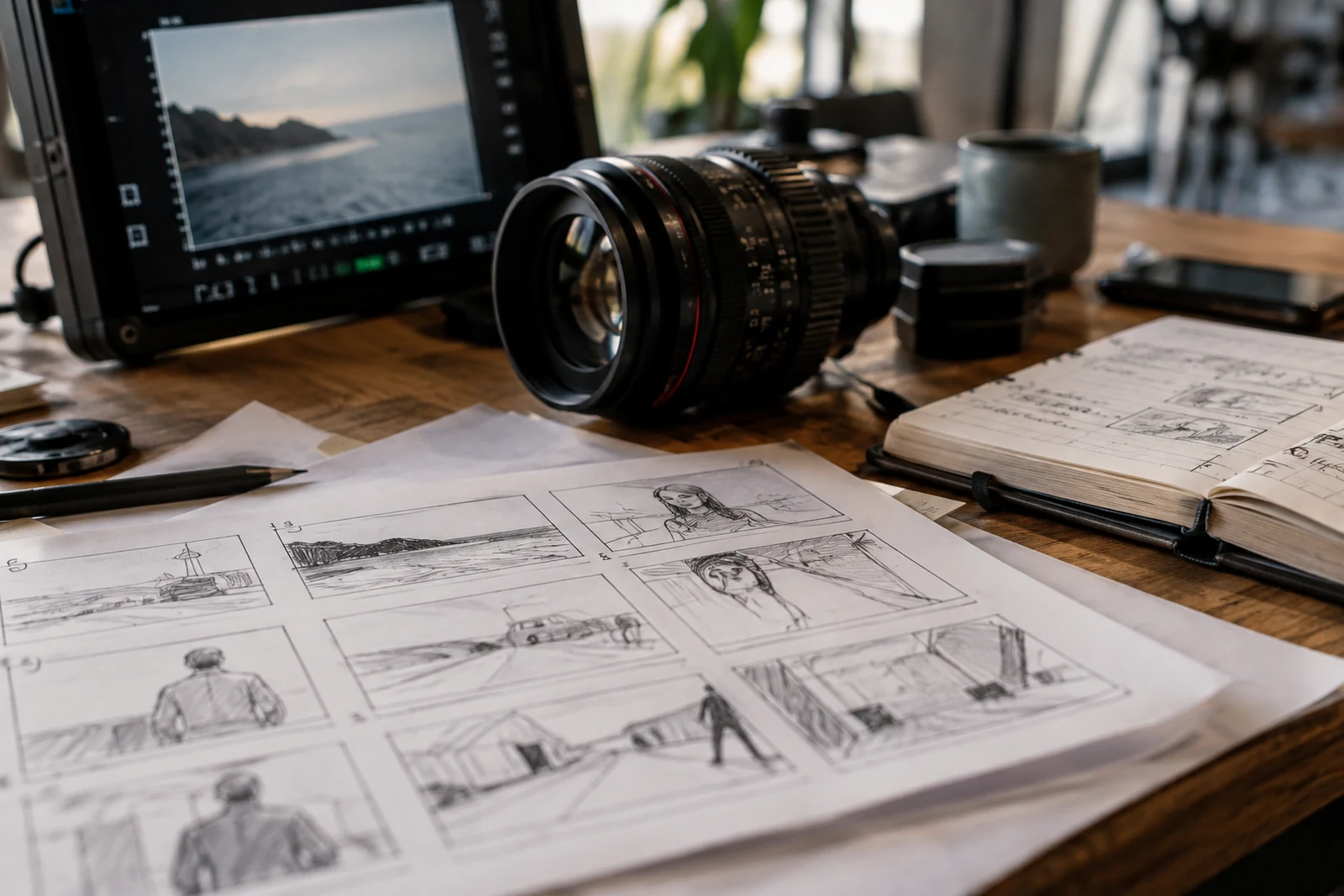
A shot list records the material the production needs to capture. Organize it by sequence or location and explain the purpose of important shots. “Wide view of the workspace” is more useful when the note says it establishes where a task happens. “Close view of the adjustment” can identify the detail a viewer needs to understand. Purpose helps the crew prioritize when time or conditions change.
Think about how actions will connect in the edit. A single attractive image may not explain a complete process. The team may need an establishing view, an action, a detail and an outcome, with enough continuity to make the sequence readable. The exact coverage depends on the film. Ask the director or production team to identify what is essential, what is useful and what is optional rather than treating every requested shot as equally important.
Keep the list realistic for the schedule. Moving equipment, preparing participants and making a location ready take time even when the resulting shot is short. A long list of locations can consume the day in travel and setup. Review the list alongside the filming plan and confirm what can be achieved. If you must remove coverage, consider the effect on the story rather than simply deleting the most expensive-looking shot. A modest but complete sequence can be more useful than an ambitious fragment.
10. Confirm locations and access
A location is more than a background. It affects sound, lighting, movement, power, privacy and the time needed to work. Visit or review the space with the production team where possible. Ask what will be happening during filming, whether the public will be present and who controls access. A room that is quiet during an afternoon visit may be noisy when deliveries begin in the morning.
Record the access arrangements clearly: contact person, arrival procedure, available hours, restrictions and any areas that must not appear. Explain whether a space contains personal records, confidential screens, customer information or other material that needs to be removed or obscured. Use demonstration data for screen recordings when practical. Do not depend on the editor to notice every sensitive detail in the background of a busy scene.
Discuss permits and permissions with the people responsible for the location and the production. Requirements vary by property and jurisdiction, so the brief should identify who confirms them rather than present a universal rule. Include a fallback where access is uncertain. If a key location becomes unavailable, can the scene move, can the schedule change, or does the concept need revision? An agreed answer reduces the chance that the crew arrives ready to film material it cannot legally or practically capture.
11. Make participant responsibilities clear
List the people whose participation is essential and the person coordinating them. A speaker, an employee demonstrating a task and a location representative may have different responsibilities. Explain what each person needs to prepare, when they need to arrive and how long they may be required. If a participant is only available briefly, the schedule should reflect that constraint rather than expecting the crew to adjust everything on arrival.
Decide who handles contributor permissions and keeps the approved records. Discuss the intended uses of the footage so the relevant documents reflect the actual production. A brief should not treat a casual agreement to appear as proof that every future use has been cleared. Where legal interpretation or special circumstances are involved, obtain appropriate advice. The production team needs a clear approval status, even when it is not responsible for preparing the underlying documents.
Arrange practical communication without collecting unnecessary personal information in widely shared files. Crew members may need a coordinator’s number, but a general review document does not need everyone’s private contact details. Give participants a reliable way to ask questions and report delays. A well-organized call sheet can support the day without becoming an unrestricted contact directory. After filming, retain the records needed for the agreed purpose and handle them according to the project’s actual information-management arrangements.
12. Treat sound as a production requirement
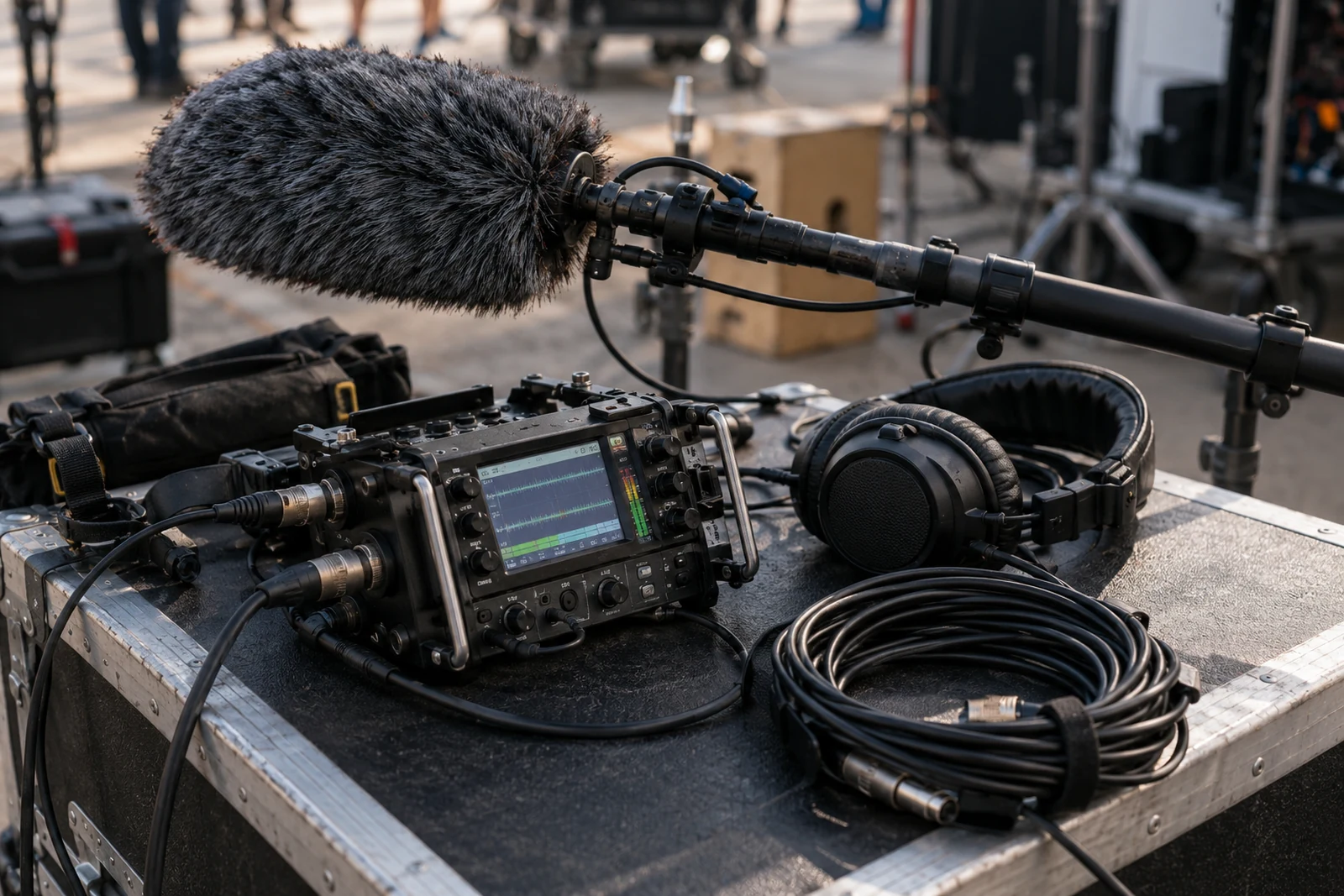
Clear sound depends on preparation as well as equipment. Identify where dialogue or interviews will be recorded and what competing sounds may be present. Ventilation, traffic, machinery and nearby conversations can affect intelligibility. The production team should assess the conditions and propose a suitable recording approach. Do not assume that a microphone or later processing can completely repair a location that prevents a contributor from being heard clearly.
Explain the role of sound in the finished film. Is natural activity important to the story? Will narration carry the explanation? Does music support the mood, or would it compete with instructions? These questions influence both recording and editing. When a process is demonstrated, useful sounds may help the viewer understand what is happening. Plan to capture them deliberately instead of relying on whatever the camera happens to record.
Include listening in the review process. Check dialogue on ordinary speakers and headphones, and pay attention to whether music obscures important words. Reviewers should identify the moment and the difficulty rather than offer only a broad comment that the sound is wrong. The finishing team can then investigate a concrete issue. Discuss any delivery loudness or channel requirements with the receiving platform or venue, and record the specification rather than inventing a single setting for all destinations.
13. Plan a schedule for the whole production
The shoot date is one milestone in a larger sequence. A working schedule also needs time for the brief, creative development, approvals, access arrangements, filming preparation, editing, review and final delivery. Identify the decisions that must precede each stage. Recording a narration before its wording has been approved creates a different risk from editing already approved material. Show these dependencies so a delay can be assessed realistically.
Work backward from the date the film must be usable. That may be earlier than the public event because an organizer needs to test playback, translate captions or load a presentation. Ask the recipient when they need a checked file, not merely when the audience will see it. Build in time for the client’s own review rather than treating feedback as instantaneous. A schedule that omits decision time is incomplete even if the crew’s tasks are estimated carefully.
Agree what happens when an input arrives late. A delayed logo, unavailable participant or unapproved script can affect later work. The answer may be a revised scope, a moved delivery date or an additional version; it should be discussed rather than presumed. Keep the schedule visible and update it when decisions change. An old timeline attached to an email does not help people understand the current plan or which action is preventing the next step.
14. Discuss resources without pretending to know a price
A useful budget conversation starts with scope. Describe the planned filming days, locations, contributors, versions, graphics, sound work and review stages. Each item can create work that is not visible in the final running time. A thirty-second film involving several locations may require more production effort than a longer single-location explanation. Comparing projects by duration alone can therefore conceal the choices that drive cost.
Share a budget range when you can, and ask what approach fits it. This gives the team a basis for proposing tradeoffs. It may be more useful to simplify the concept than to reduce every stage of the same ambitious plan. Discuss which requirements protect the objective and which are preferences. For example, an additional filming location might be optional while intelligible sound, necessary permissions and the approved delivery version are essential to using the result.
Request a proposal that states its assumptions and exclusions. Clarify travel, asset licences, additional review rounds, translations, storage and any source-file handover. Do not infer that an unspecified item is included because it appeared in a reference film. The brief is a tool for obtaining a tailored proposal, not a price list. Heavenkeys project fees and delivery responsibilities need to be agreed for the actual work; this guide does not establish a quotation or promise a standard production package.
15. Resolve music and other asset permissions early
Identify any music, archive footage, photographs, logos or illustrations you want to use. For each asset, record where it came from and who can confirm permission for the intended use. A file being available to download is not enough information for a production decision. The rights discussion needs to reflect distribution, versions and any limitations attached to the asset, rather than relying on an informal label such as “free.”
Keep temporary material separate from approved assets. An editor may use a temporary track to explore pace, but that does not make it ready for publication. Mark temporary material clearly and give the person responsible for approval a deadline. If the final cleared track differs substantially, the edit may need adjustment. Discuss that possibility before the team becomes attached to timing built around music that cannot be used.
Maintain a handover record of the assets actually included in the final version. It should identify the file or asset, its source and the relevant permission reference. This makes future revisions easier to assess. Do not promise that all footage or music can be reused indefinitely in unrelated campaigns unless the permissions support it. When an asset’s status is uncertain, resolve the uncertainty or choose a suitable replacement; avoid making the release dependent on an unsupported assumption.
16. Prepare graphics and screen recordings carefully
Provide current brand assets and explain any rules that matter to the film. The team may need a logo in an appropriate format, approved colours, name spellings and title conventions. If a lower-third identifies a contributor, confirm their title rather than copying an old email signature. Graphics can look polished while carrying incorrect information. Treat factual review and visual review as connected but distinct tasks.
For product demonstrations, plan the screen state before recording. Use an approved demonstration account with suitable example information. Remove private notifications, bookmarks, contact names and unrelated browser tabs from the recording environment. Capture the actual sequence you want to explain, including enough time for the viewer to see the change. A fast sequence that feels obvious to an experienced operator may be difficult for someone unfamiliar with the interface.
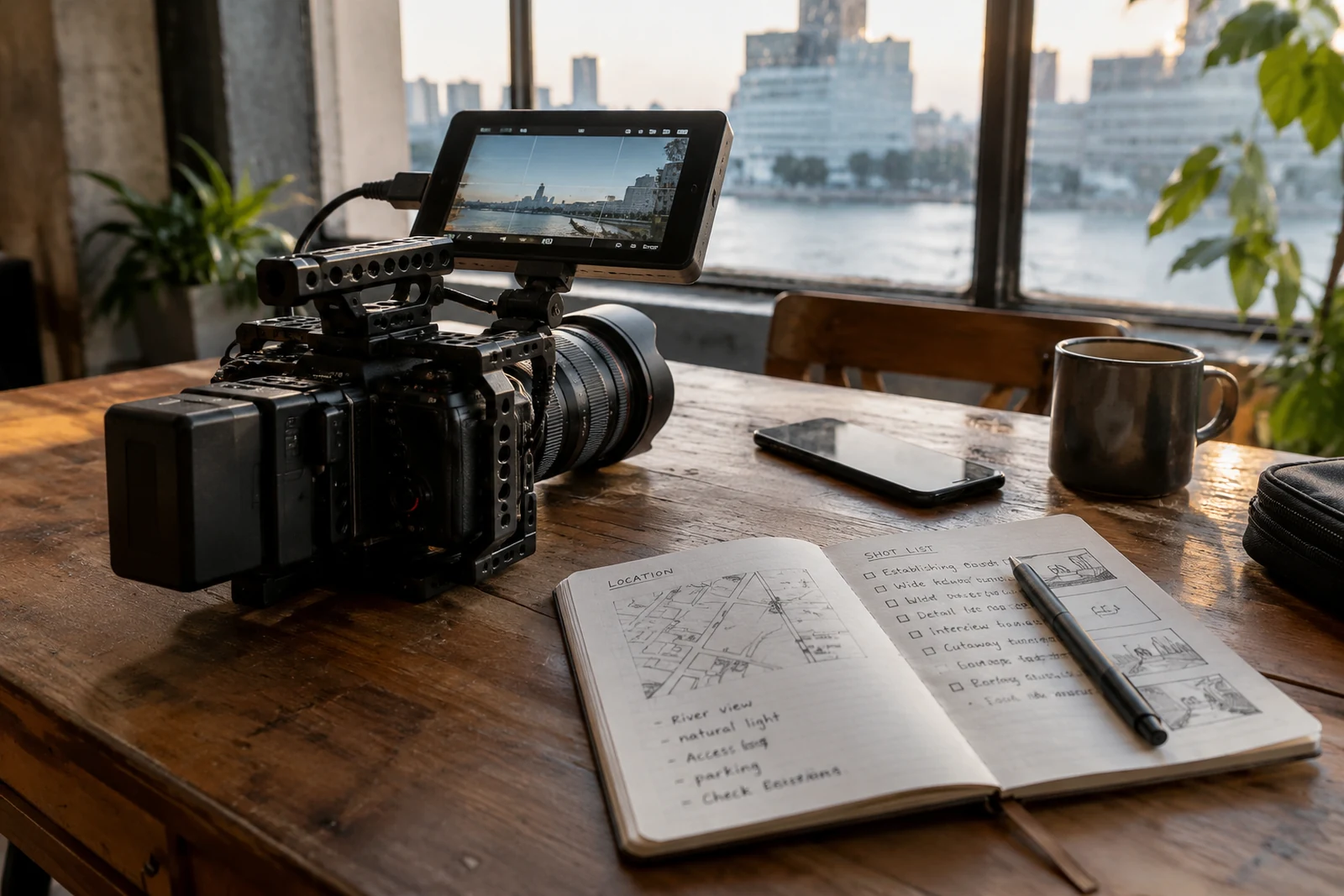
Check the graphic at its expected viewing size. A detailed dashboard might be legible on an editing monitor and unreadable in a phone feed. You may need a closer view, a simplified explanation or a separate version. If the interface will change frequently, consider how an updated recording can be substituted later. Record what the film shows and when it was captured so reviewers can assess whether the demonstration still represents the current product before a new release.
17. Organize media so editing can begin reliably
Agree who receives recorded media, how it will be transferred and how the files will be checked. Large collections of clips can become difficult to use when filenames, folders and notes are inconsistent. A simple project structure can distinguish camera originals, recorded sound, approved graphics, music, project files and exports. Choose conventions the actual team can maintain rather than an elaborate system nobody follows.
Keep the relationship between footage and production notes clear. If an interview contains a particularly important answer, a time reference or clip identifier can help the editor find it. If a scene has a permission restriction, that information needs to travel with the media. Do not assume that a verbal note on the filming day will be remembered weeks later. Record decisions where the people doing the next stage can use them.
Discuss copies, verification and storage responsibilities before relying on a single drive. The appropriate backup arrangement depends on the production’s resources and risks, but someone must own the task. A transfer is not complete merely because a download began. Confirm that the expected files are present and can be opened, and resolve missing material before the crew and locations are no longer available. The brief should also distinguish temporary working storage from the retention and handover promised after delivery.
18. Review the first assembly for structure
The first assembly is a chance to assess the communication before focusing on every finishing detail. Ask whether the sequence is understandable, whether the necessary information appears and whether the film stays connected to its objective. An opening can be beautiful and still fail to explain what the viewer is watching. A strong individual interview answer may need context before it can work in the sequence.
Give structural comments in relation to the brief. If a process is unclear, identify which step is missing or which transition is confusing. If the main message arrives too late, explain what a new viewer needs earlier. This gives the editor a problem to solve. “Make it more exciting” can describe a reaction, but it needs a more specific discussion of pace, selection or emphasis before it becomes an actionable instruction.
Do not treat an assembly as a finished master. Temporary graphics, unbalanced sound or an unfinished grade may be expected at that stage. The team should label the review copy and explain what is ready to assess. Reviewers can then distinguish intended work from omissions. At the same time, do raise an important issue early even if the film is unfinished. Waiting until final approval to question the entire structure makes the agreed review process less useful.
19. Consolidate feedback into one usable response
Name one person to collect and reconcile client feedback. That person does not have to make every decision, but they should ensure the production team receives a coherent response. Separate factual corrections, requirements from the approved brief and creative preferences. If two reviewers disagree about an opening or a phrase, resolve the disagreement before asking the editor to implement both instructions.
Use time references and explain the requested change. “At 00:42 the role title should read operations manager” is clearer than “the names need checking.” For a broader concern, describe the viewer’s difficulty and the intended result. Keep a record of what has been accepted, what needs discussion and what would change the scope. This prevents a comment from becoming lost simply because several versions of a review document are circulating.
Agree a response deadline and the number or structure of review rounds in the proposal. A round should mean a consolidated set of comments on a named version, not an indefinite stream of messages. New requirements can still arise, but they need an explicit decision about the effect on work and timing. The purpose of consolidation is to make collaboration clearer, not to discourage legitimate corrections. It helps everyone see which changes are required before the film can be approved.
20. Finish the picture and sound against the approved edit
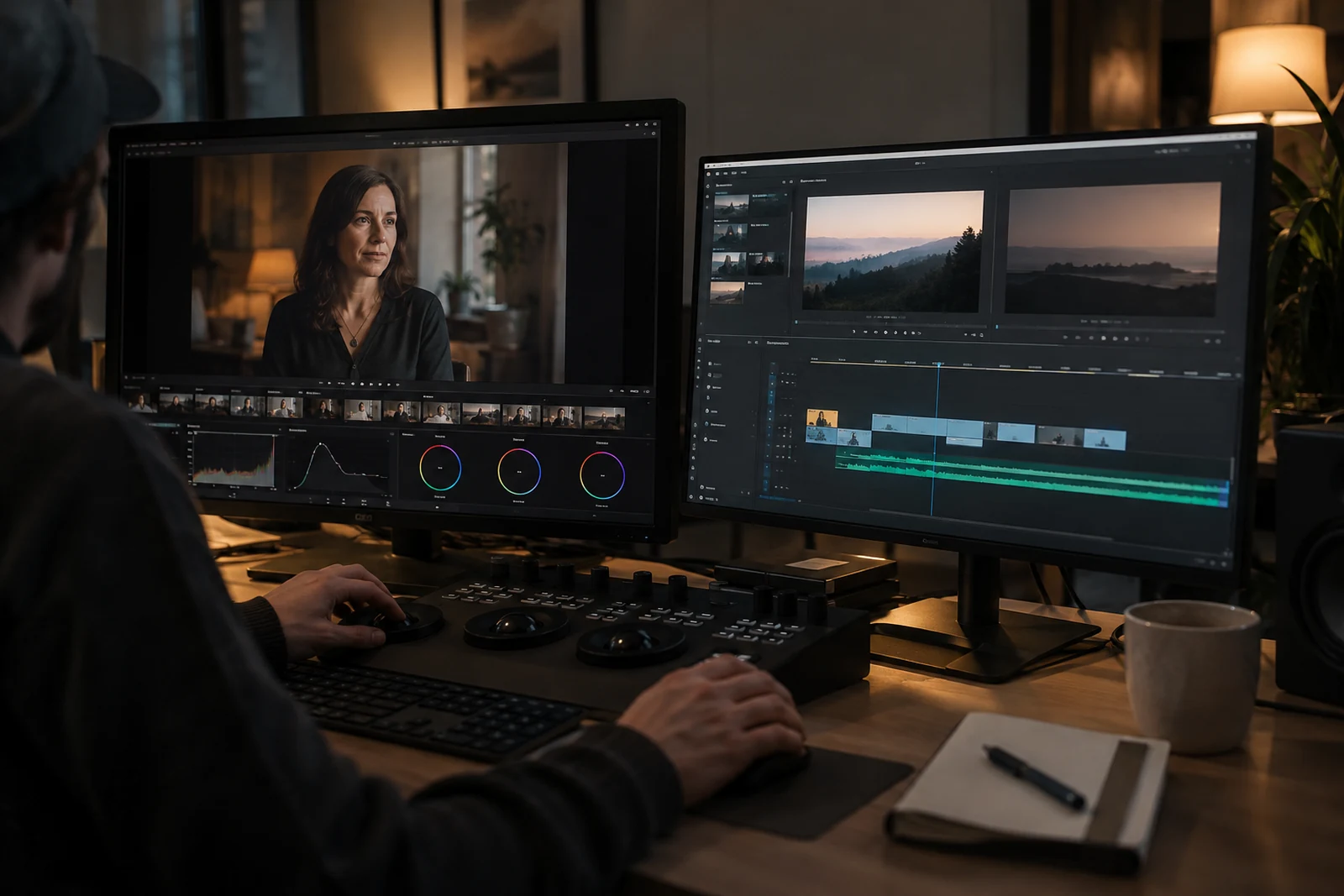
Once the structure is approved, finishing can address the consistency and presentation of the film. Picture work may include colour adjustment, graphic refinements and the preparation of final titles. Sound work may include balancing dialogue, music and recorded effects. The exact process depends on the agreed scope and the captured material. Ask the team to explain the planned finishing stages rather than assuming that every specialist service belongs in every project.
Review for consistency without expecting every scene to look identical. Different locations and lighting conditions may intentionally communicate different moments. The question is whether the treatment supports the film and avoids distracting changes that were not intended. Check skin tones, important product colours and the visibility of details that matter to the explanation. For sound, listen for abrupt changes and words that become difficult to hear when the music rises.
Do not quietly change the approved structure during finishing. A new sequence can affect graphics, music timing, captions and export preparation. If a structural change is necessary, make it visible and assess the downstream work. Keep a named approval version so the team knows which edit is being finished. This creates a more reliable path to delivery than repeatedly replacing clips without updating the review status of the film as a whole.
21. Plan captions, transcripts and visual explanation
Accessibility belongs in the production brief because some choices are easier to make while writing and filming. Identify whether the film contains speech, meaningful sound or information conveyed only visually. Discuss the alternatives needed by the intended audience and publishing context. The W3C guide to planning audio and video media explains how to consider captions, transcripts and descriptions during production. Use it to frame requirements, then agree the deliverables for your particular film.
A caption review needs more than checking that text appears on the screen. Verify the words, timing, names and useful indications of meaningful sound. A transcript can offer a readable way to revisit information, while a visual explanation may be needed when a demonstration communicates an essential step without saying it aloud. Decide who prepares and reviews these materials. Automatic output can be a starting point, but the final asset still needs checking against the actual film.
Leave space for captions when composing important graphics. If a lower-third and captions occupy the same area, both may become difficult to read. Test the film at the expected display size and consider each version separately. A wide presentation copy and a vertical social excerpt can create different collisions. Record the approved caption files and language versions with the delivery package so the publisher can connect the correct text to the correct export.
22. Write a delivery matrix instead of asking for everything
A delivery matrix is a table of the files you actually need. Give each version a purpose, destination, running-time expectation, image shape, language and caption arrangement. Include the person or platform receiving it. This makes the request clearer than “send all formats,” which can mean many different things. It also allows the team to identify when a new version requires editorial work rather than a simple export.
Distinguish the master from distribution copies. A high-quality master can be retained for the agreed future use, while an upload copy may be prepared for a specific platform. Confirm technical requirements with the destination before final export. For example, YouTube publishes recommended upload encoding settings. Those recommendations relate to that platform; they do not establish the requirements of a cinema, a broadcast recipient or a presentation system.
Include naming and version rules in the matrix. A filename should help a recipient distinguish the approved main film from an earlier review, a captioned copy or a language variant. Add a delivery note that explains what each file is for. If the brief asks for project files or camera originals, describe them separately and confirm what can be handed over. Receiving the final video is not automatically the same as receiving every source asset or permission to reuse third-party material.
23. Adapt shorter versions as separate communications
A shorter edit needs its own beginning, middle and next step. Removing seconds from the main film can leave an unexplained phrase, a missing demonstration or a conclusion without evidence. Identify the purpose of each excerpt and the viewer it needs to reach. The main film may introduce a whole organization while a short version explains one service. Those are related assets, but they have different information requirements.
Plan the opening deliberately. In a shortened version, the viewer may need an early cue about the subject and why it matters. That cue can come from a person, an action, a title or a spoken line; it should fit the film rather than become a formula applied to every project. Review the excerpt independently from the main edit. A reviewer who remembers the complete film may unconsciously supply context that a new viewer does not have.
Account for image shape and text placement. A crop can remove an important hand movement, product detail or second participant. The production may need additional framing or a different shot rather than a mechanical conversion. Check the shortened copy with its own captions, end card and surrounding platform context. Include these adaptations in the brief early so the shoot and edit can supply the material. Additional versions are legitimate deliverables, but they are not automatically free or effortless.
24. Review multilingual films as complete versions
When a film needs French and English versions, decide what changes between them. You might need translated captions, different narration, replacement graphics or separate on-camera contributions. Each choice affects work and review. A language version should be understandable as a whole, not simply contain translated words. Provide approved terminology, organization names and any phrases that require a particular form in each language.
Give the translator enough context. A transcript without the film may not show why a short label appears or what a speaker is referring to. Conversely, a video without a usable text document can make review unnecessarily difficult. Supply the relevant script, terminology and visual references. Have an appropriate reviewer check the translated version for meaning and accuracy before final recording or export, especially where the subject uses specialized language.
Allow for differences in length and timing. Translated narration may take more or less time than the original, and a title may occupy more space. Plan how the edit and graphics will handle those differences rather than forcing every sentence into an identical duration. Name each language version clearly and verify that its caption file matches. A delivery folder containing several languages is useful only when the publisher can reliably identify and play the intended combination.
25. Check the actual exported file before release
Quality control should use the exported delivery file, not only the editing timeline. Open the file, watch it from beginning to end and confirm that it is the approved version. Check the beginning and ending, spelling, titles, sound, graphics and any captions. A correct timeline does not prove that the right range, audio channels or version was exported. Give someone responsibility for this final review and record its outcome.
Test in the intended environment where practical. A presentation film should be checked with the venue or organizer before the event. An uploaded video should be reviewed after the platform has processed it. Playback conditions can reveal issues that were not obvious on the production workstation. If a platform offers several quality levels, confirm that the expected version is available before judging the final viewing experience.
Use a concise issue log for any remaining defects. Record the file, time reference, problem and resolution status. Avoid mixing an earlier review copy with a new export when checking corrections. If a file is replaced, make that replacement unambiguous for recipients. The release decision should follow a verified file and an authorized approval, rather than a message saying the export probably finished. This matters particularly when an event or campaign gives the team little opportunity to correct a mistake afterward.
26. Connect the film to its website or campaign destination
A film published on a website needs supporting context. Give the page a clear heading, an explanation of what the film covers and an appropriate next step. If the video introduces a service, link to the relevant service information instead of making the viewer search the navigation. If it explains a process, provide a text alternative or supporting instructions where useful. The surrounding page is part of the communication.
Choose an accurate thumbnail and description. A dramatic frame that misrepresents the film may attract attention without helping the intended viewer. A title should identify the subject in language people understand. Avoid stuffing unrelated search phrases into captions or descriptions. For website implementation, discuss loading behaviour, player controls and how the video affects other page content. A large autoplaying asset is not automatically the right choice simply because a film is available.
Review the complete journey on mobile. Can someone identify the subject, start and pause playback, use captions and reach the next step? Does the film hide important navigation or create awkward horizontal scrolling? These checks connect production to practical publishing. If you need the page designed alongside the film, review Heavenkeys website design and development. The publishing plan should cover the actual viewing experience, not end when the production team sends a download link.
27. Decide what success can reasonably mean
Choose measures that relate to the film’s objective. An internal explanation might be assessed through whether staff can follow the process, while a service introduction might be assessed through engagement with the relevant page and the quality of subsequent enquiries. A raw view count alone may not answer either question. Write the intended observation into the brief so measurement does not become an afterthought or a claim based on whatever number looks largest.
Separate what is measured from what is inferred. A completed viewing does not prove a sale, and an enquiry after publication does not prove the film caused it. Campaigns often involve several channels and changes at once. Use proportionate analysis and describe limitations honestly. If analytics are used on the website, implement them through the site’s privacy choices and avoid recording form contents or personal details as event labels.
Set a review date and decide who will act on the findings. Useful questions include whether viewers need more context, whether a shorter version helps a particular audience and whether the next step is easy to find. The answer may be a page improvement rather than a new film. Do not promise rankings, reach or commercial outcomes simply because the production is polished. The brief can define a sensible evaluation process without guaranteeing a result that depends on distribution, audience and other factors.
28. Prepare the handover and future revision plan
Agree what the handover contains and who will receive it. The package might include approved video files, captions, transcripts, a delivery matrix and an asset-permission register. Source projects and original footage require a separate discussion about scope, compatibility, licences and storage. Do not assume that a recipient can open an editing project simply because the production team can. Explain the tools or dependencies needed when those files are part of the agreement.
Identify material likely to change. A staff title, a service name, a product screen or a dated statement can make a film inaccurate before its visual quality becomes a problem. Record the relevant review triggers. If a future revision is anticipated, discuss how editable elements and source assets will be retained and for how long. This is an operational agreement to make explicitly, not an indefinite storage promise hidden inside a production brief.
Keep the published location connected to the final file record. If several departments upload different copies, an old version can remain live after an update. Name the owner of the public version and the person who can replace it. When a film is revised, check captions, descriptions, thumbnails and linked pages as well as the video. A complete update addresses the whole asset, including the surrounding information that tells viewers what they are seeing.
29. Use a compact brief to start the conversation
Your first brief can be short while still being useful. Write the objective, intended viewer, viewing context and main message first. Then list available people, locations and source material. Add known deadlines, a budget range if available, required versions and the approval contact. Mark unanswered questions clearly. A concise document that distinguishes decisions from uncertainties gives the production team a better starting point than a long document that hides them.
Use separate attachments for detailed references, existing scripts and technical specifications. The core brief should remain readable without opening every file. Give attachments meaningful names and explain why each is included. If a reference is only about lighting, say that; if a script is provisional, label it. This allows the team to review the current request without mistaking an old asset or external example for an approved production requirement.
At the first discussion, ask which assumptions need resolving before a proposal can be reliable. The answer may include a location review, a treatment, a permissions check or a clearer delivery matrix. Update the brief after those decisions rather than treating it as a document that must never change. Its role is to preserve the agreed understanding as the project becomes concrete. A brief is most useful when it remains a shared working reference through development, filming and delivery.
30. Common questions about commissioning a film
Do we need a finished script before contacting a production team?
No. You can begin with the objective, audience and available material, then discuss script development as part of the proposed work. Say whether you expect the team to develop the idea or execute an approved script. Those are different responsibilities. Sharing a rough draft is useful when its status is clear; it should not be treated as final wording unless the necessary factual and organizational approvals have happened.
Can one filming day supply a main film and several shorter versions?
Sometimes, depending on the concept, locations, contributors and required coverage. List those versions before the schedule is agreed. A vertical excerpt, an interview highlight and a product demonstration may need different framing or answers. The team should assess the real request rather than promise a number of assets based only on a filming day. Plan the material for each version and include the editing and review work in the proposal.
What should we send Heavenkeys for an initial discussion?
Send a clear description of the film’s purpose, who will watch it, where it will appear and any dates that cannot move. Include a few explained references and identify the people or locations you can make available. Avoid sending private records or uncleared footage simply to make the brief look complete. We can discuss what is needed through the Heavenkeys contact page and agree the next planning step.
For a broader view of the work, explore film production services and video production services. If the film supports a website launch, read planning your business website and planning content for a website redesign. Those discussions help connect a production brief to the place where people will encounter and use the finished film.
31. Worked example: a workshop process film
Consider a hypothetical workshop commissioning a film to explain how a repair is assessed. The viewer is a first-time customer deciding what information to provide. The objective is to make the intake process understandable, not to promise a repair outcome. The brief identifies three steps: recording the customer’s concern, inspecting the item and explaining the proposed next step. Each step needs an appropriate explanation and observable coverage.
The workshop coordinator confirms access to a demonstration bench and supplies an item that contains no customer information. A technician explains the assessment in an interview, while the crew captures the preparation and inspection. The reviewer checks technical wording and ensures the sequence does not imply that every item can be repaired. A main website film and a shorter introduction are listed separately, with captions and a transcript included in the proposed delivery.
The approval contact receives one review copy and consolidates comments from the technician and business owner. After corrections, the team checks the exported versions and their captions. The website page links to intake instructions rather than making a visitor guess what to do next. This example shows how a modest brief can connect communication, available evidence, permissions, production and publishing without inventing a customer testimonial or a guaranteed business result.