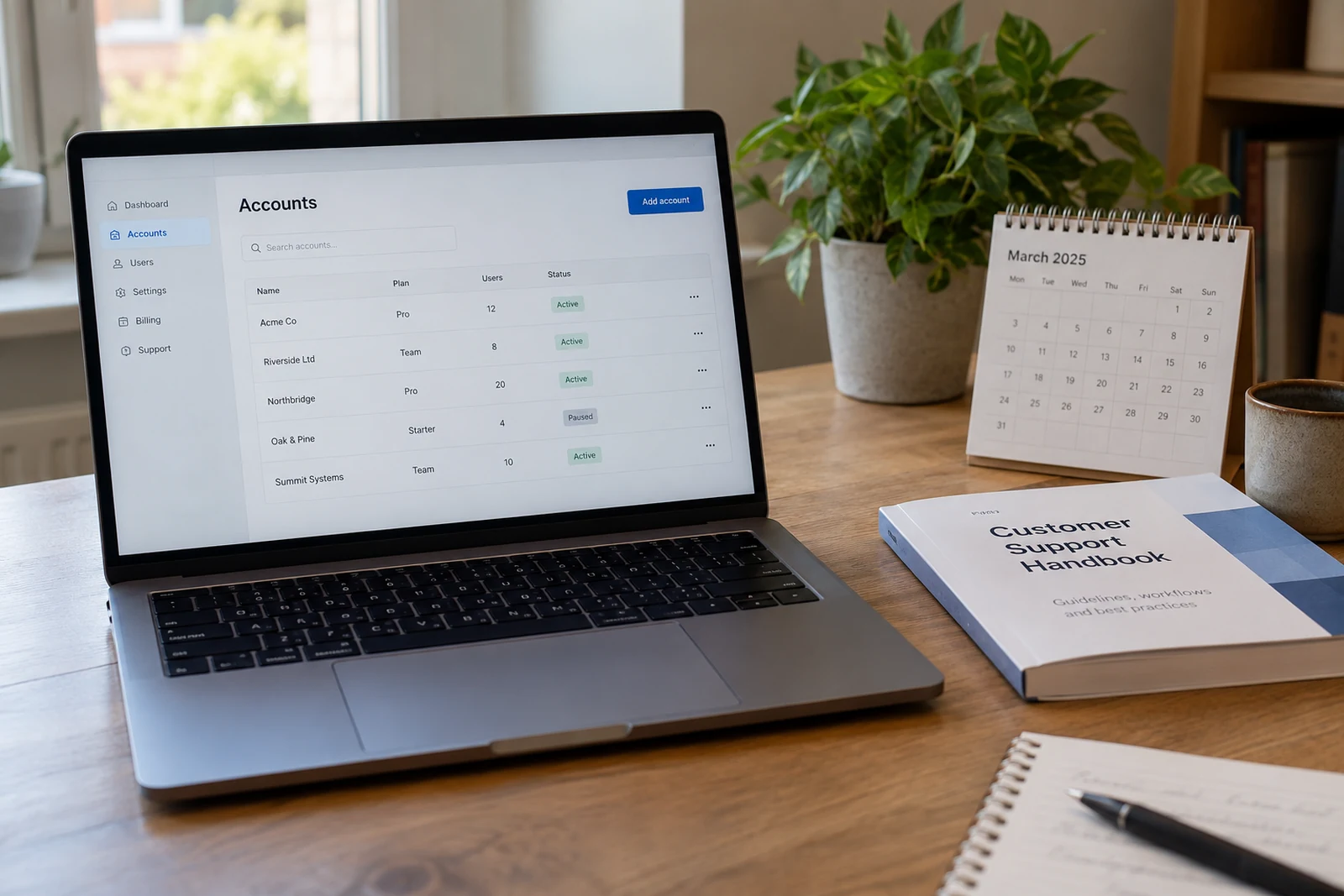
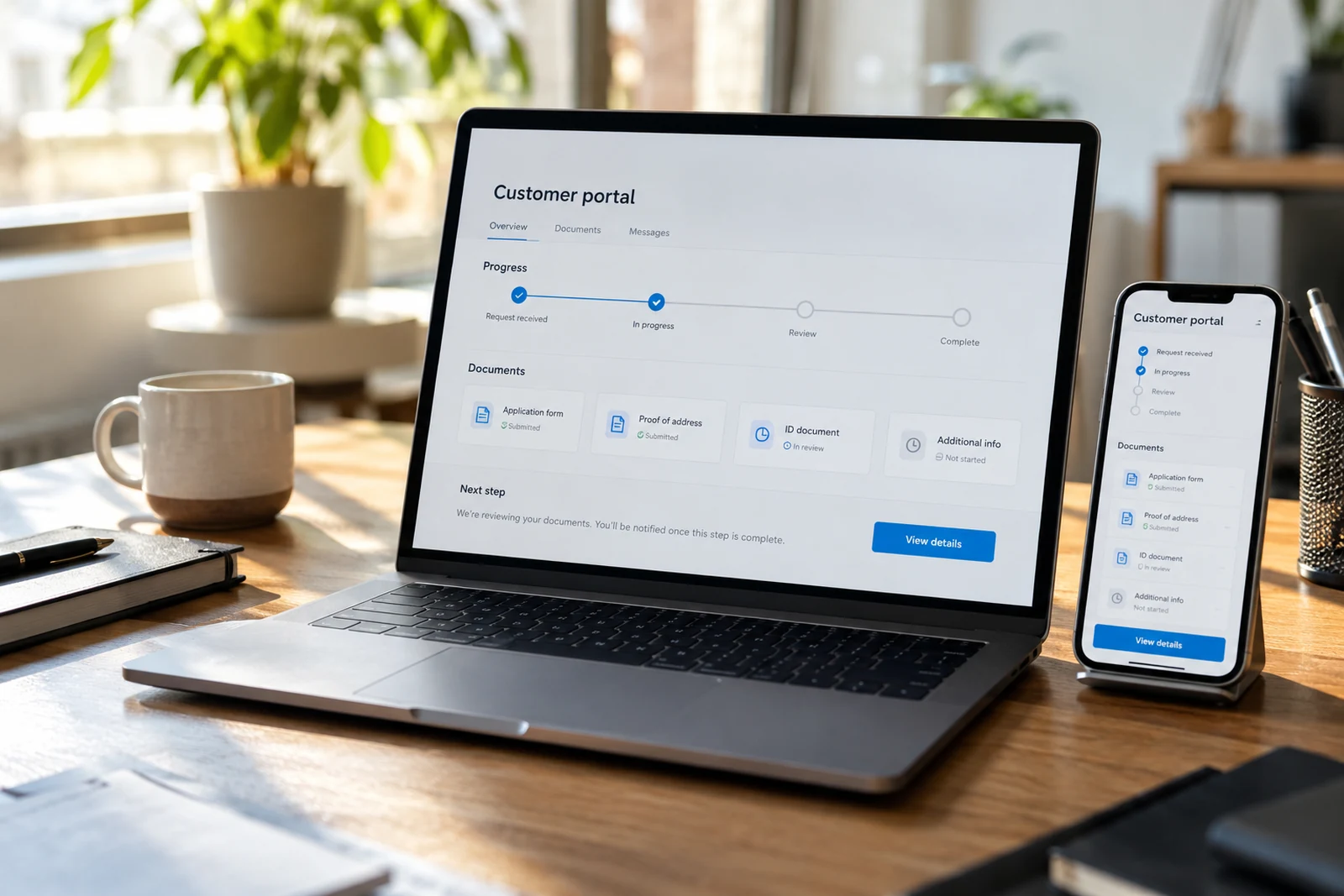
A customer portal should give people a dependable place to complete work with your business. Start with the tasks that currently require repeated emails, phone calls or manual checking. The portal might help a customer review a request, provide a document, check a status or find information. Those tasks should shape the interface and the first release.
Map one task from beginning to end
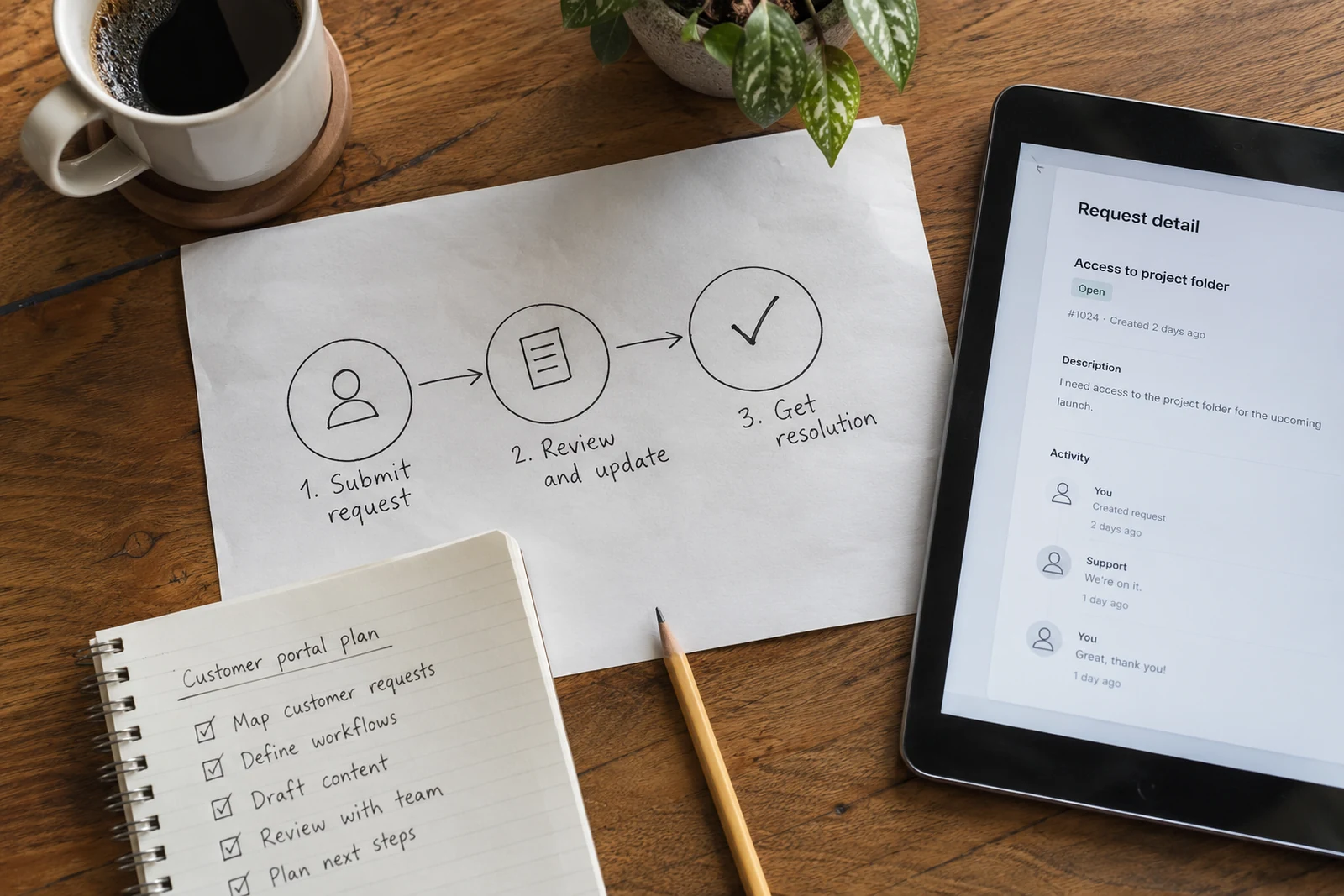
Choose a common task and describe what triggers it, what information the customer needs and how they know it is complete. Include the work your team does behind the scenes. If a customer uploads a document, who reviews it? How is an incomplete submission handled? What status can the customer see?
Write down exceptions as well as the expected path. Customers may submit the wrong file, lose access to an email address or return after a long period. The design needs a clear response to these situations. Naming them early helps the team scope the work realistically.
Define who can see and change information
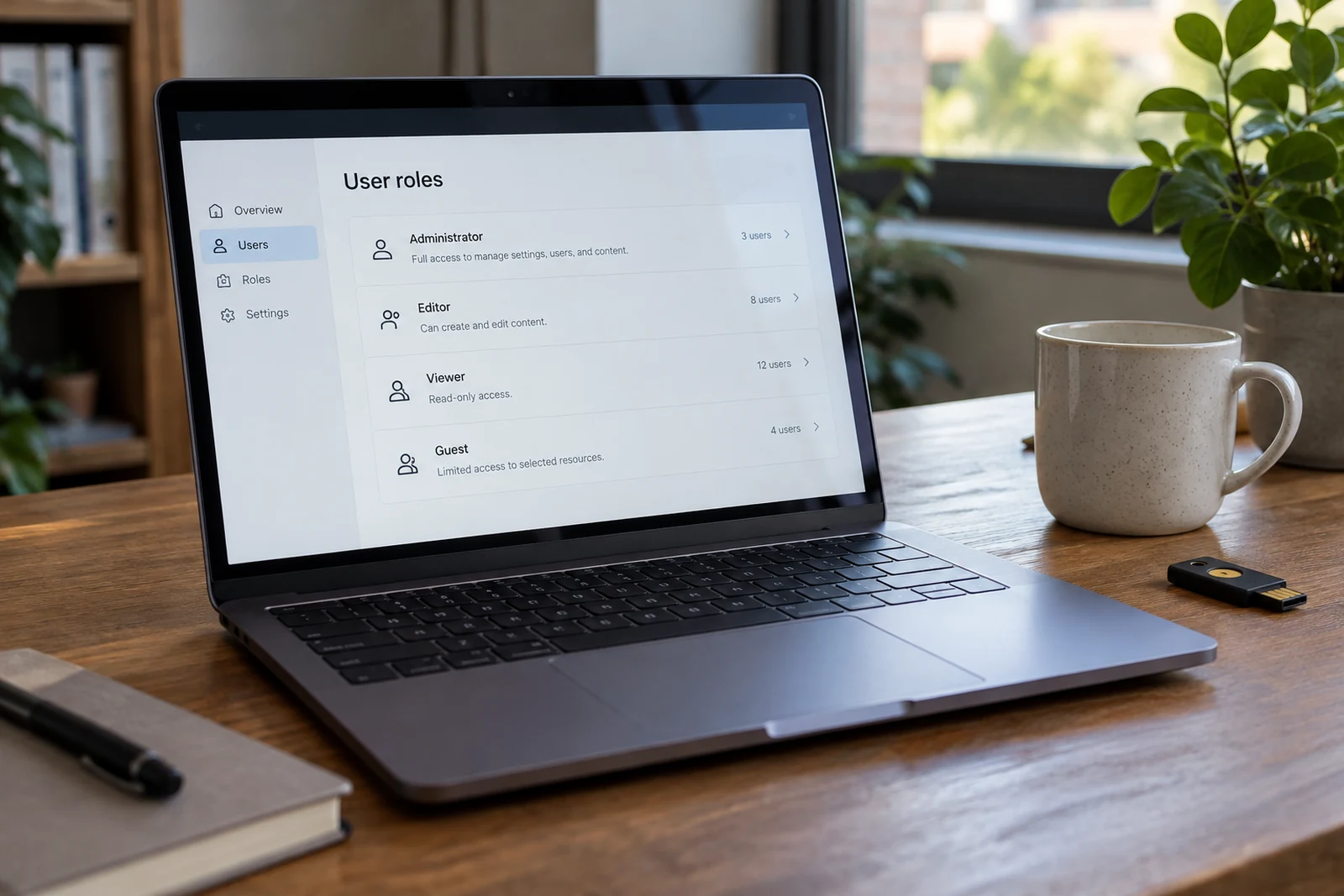
Describe the roles in plain language: customer, account administrator, reviewer and support staff, for example. Then specify which records each role can view or update. The exact roles depend on the business; a role list alone is not an access policy.
A portal is useful when the information and the next action are clear.
Consider shared customer accounts, staff changes and the process for removing access. Permissions must be checked by the application, including when someone opens a direct link. Hiding a control in the interface is not sufficient to restrict the underlying action.
Agree where information comes from
Identify the system responsible for each important record. A portal may connect to a booking tool, customer database or internal workflow. Decide which system is authoritative and how updates move between them. If two systems can edit the same value, agree how conflicts are resolved.
Discuss what the customer sees when an integration is delayed or unavailable. A clear status message can distinguish a saved request from a request still waiting to reach another system. Do not imply that a transaction is finished merely because a button was clicked.

Make the first release manageable
Prioritize one complete journey over a long list of partially working features. An initial release might cover signing in, viewing a request, supplying information and receiving an update. Reporting, additional integrations and less common journeys can be assessed separately.
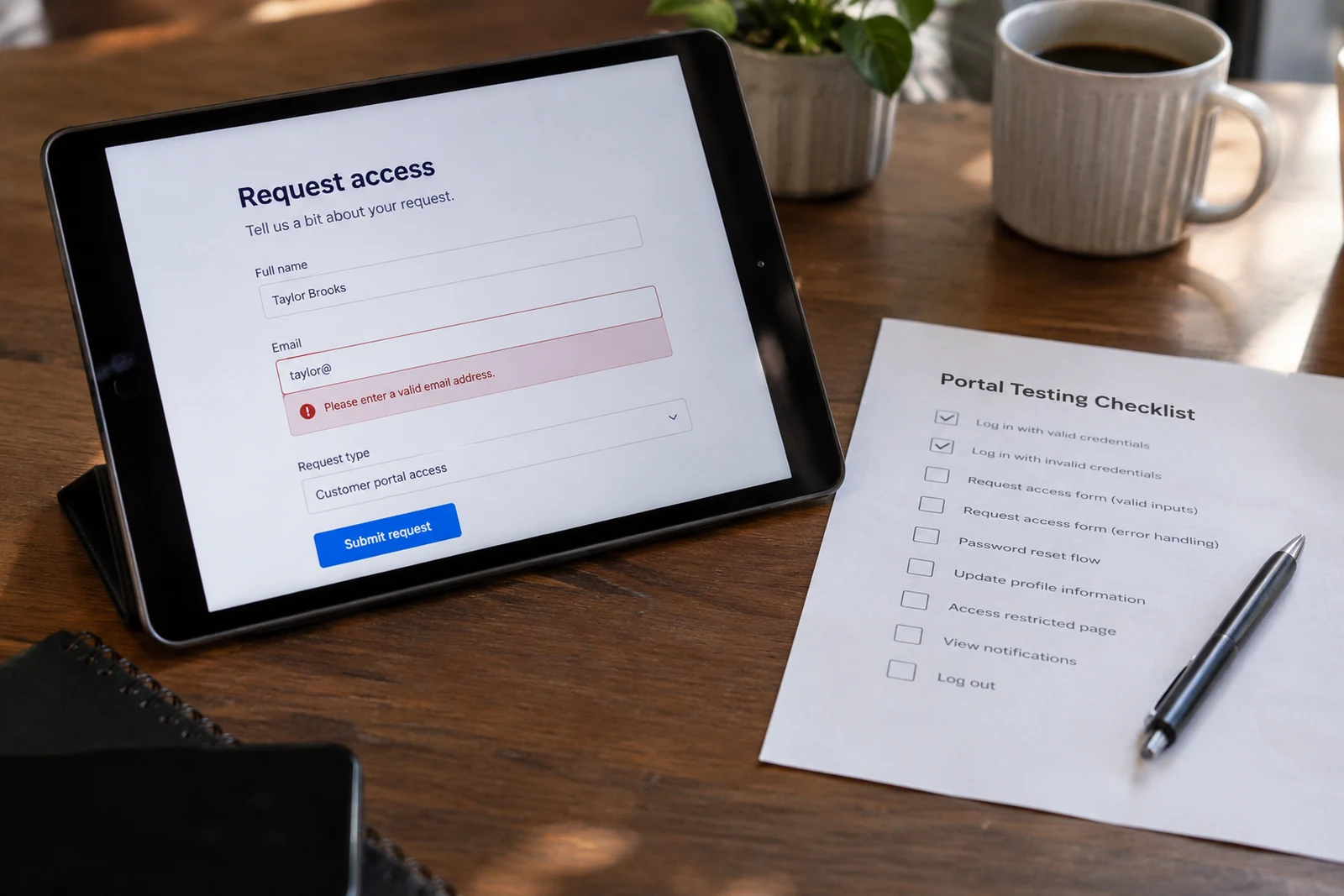
Define acceptance examples for the chosen journey. A reviewer should be able to follow a realistic scenario and decide whether the result meets the agreed requirement. Include incorrect input, restricted access and unavailable external systems in those examples.
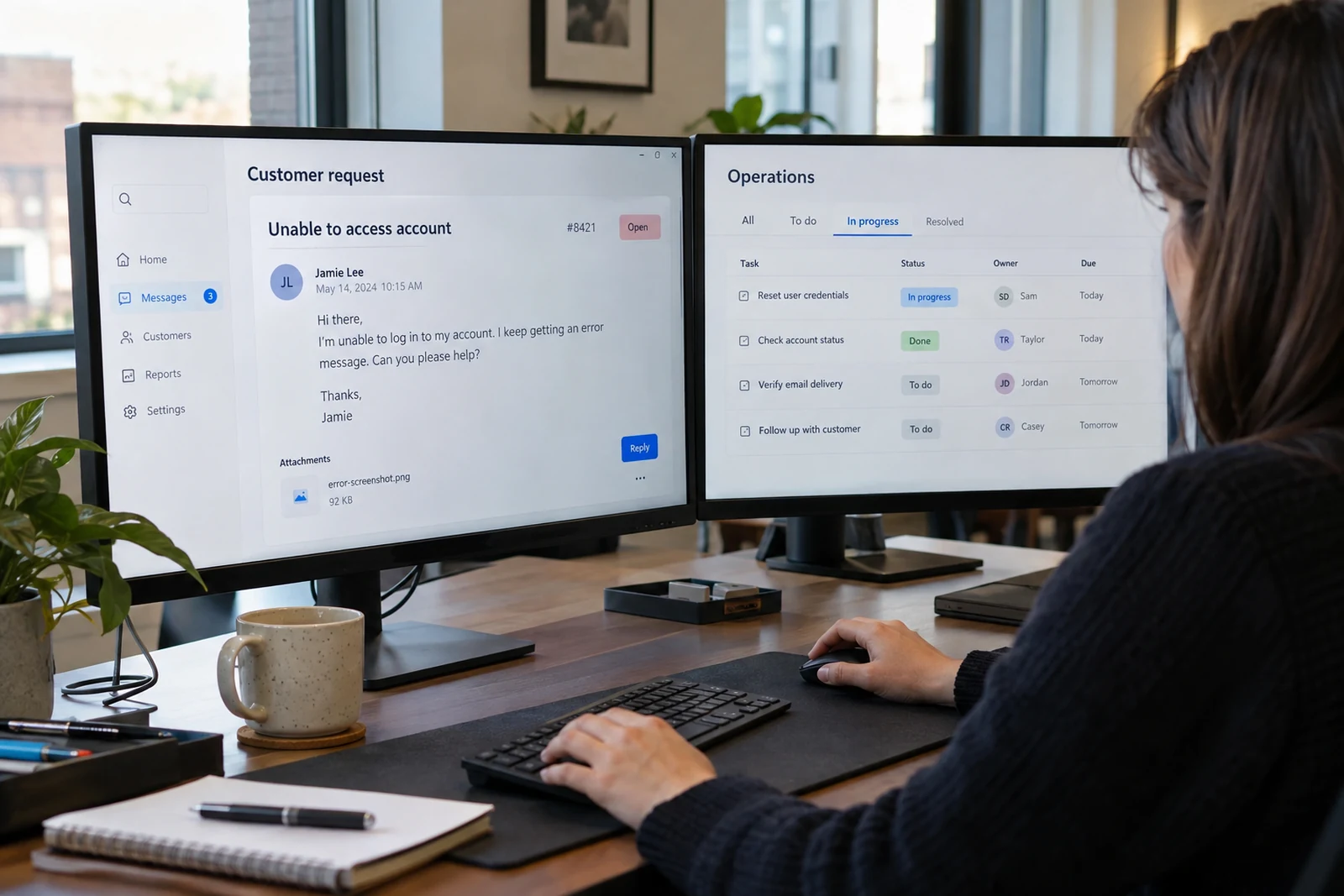
Review screens with actual content
Use realistic labels, dates and status values in a prototype. Show enough information to explain the task without exposing real customer data. Review the screens with the people who will support the portal as well as the people who will use it.
Check the same journey on mobile. The important status and action should remain understandable without relying on a wide table. Forms need clear labels, useful error messages and a visible indication that information was saved.
Plan operations before launch
Agree who answers support requests, monitors failed integrations and approves access changes. Discuss backups, updates, logs and the information retained by the portal. The operational plan should reflect the system actually delivered rather than a generic checklist.
For the next step, explore web application development, review our illustrative customer portal concept and read about planning a first release. Contact Heavenkeys to discuss the tasks your portal needs to support.