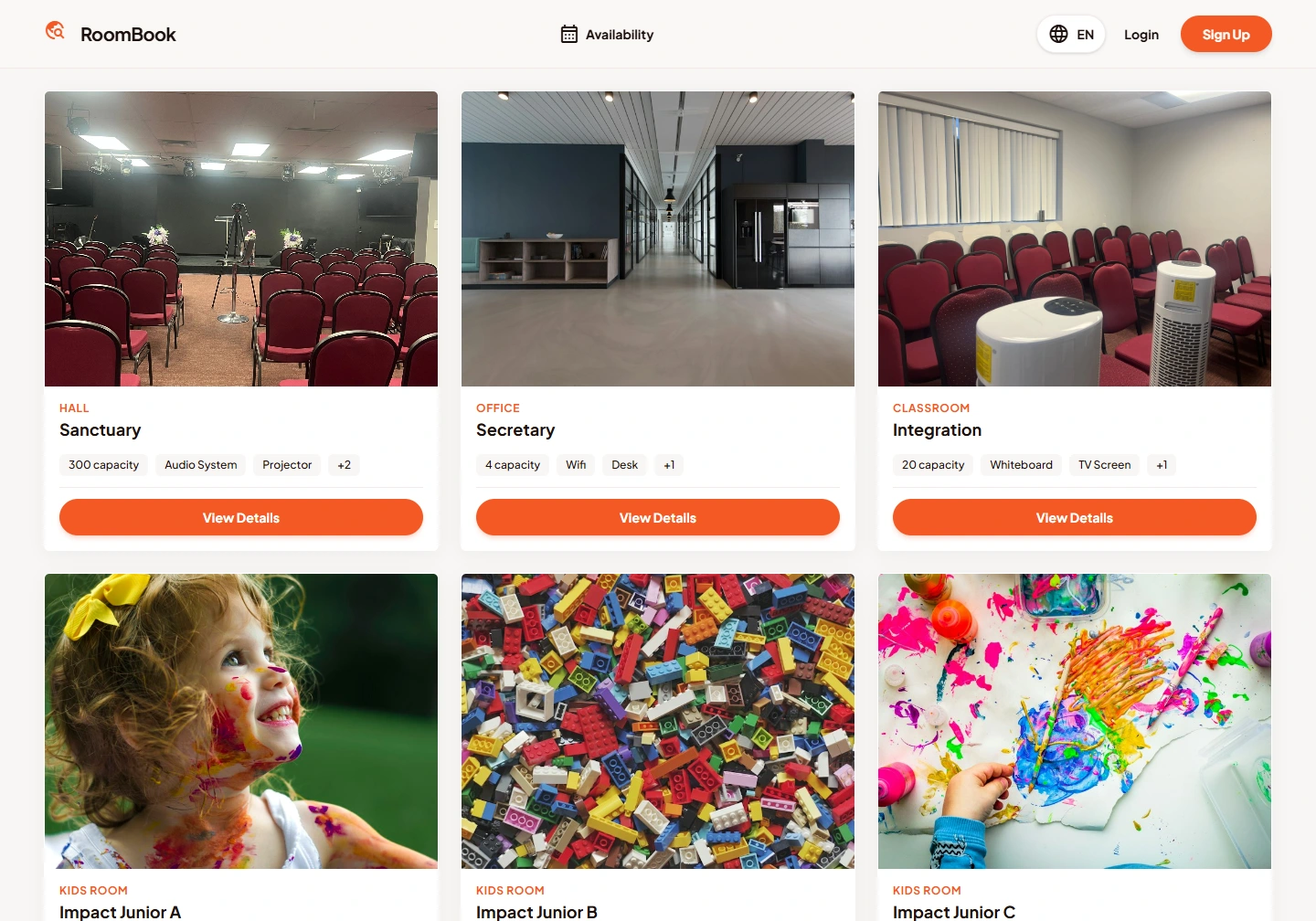
Explore the published pages below, alternating desktop screenshots and page information. Open any capture to read the complete page or inspect its mobile layout.
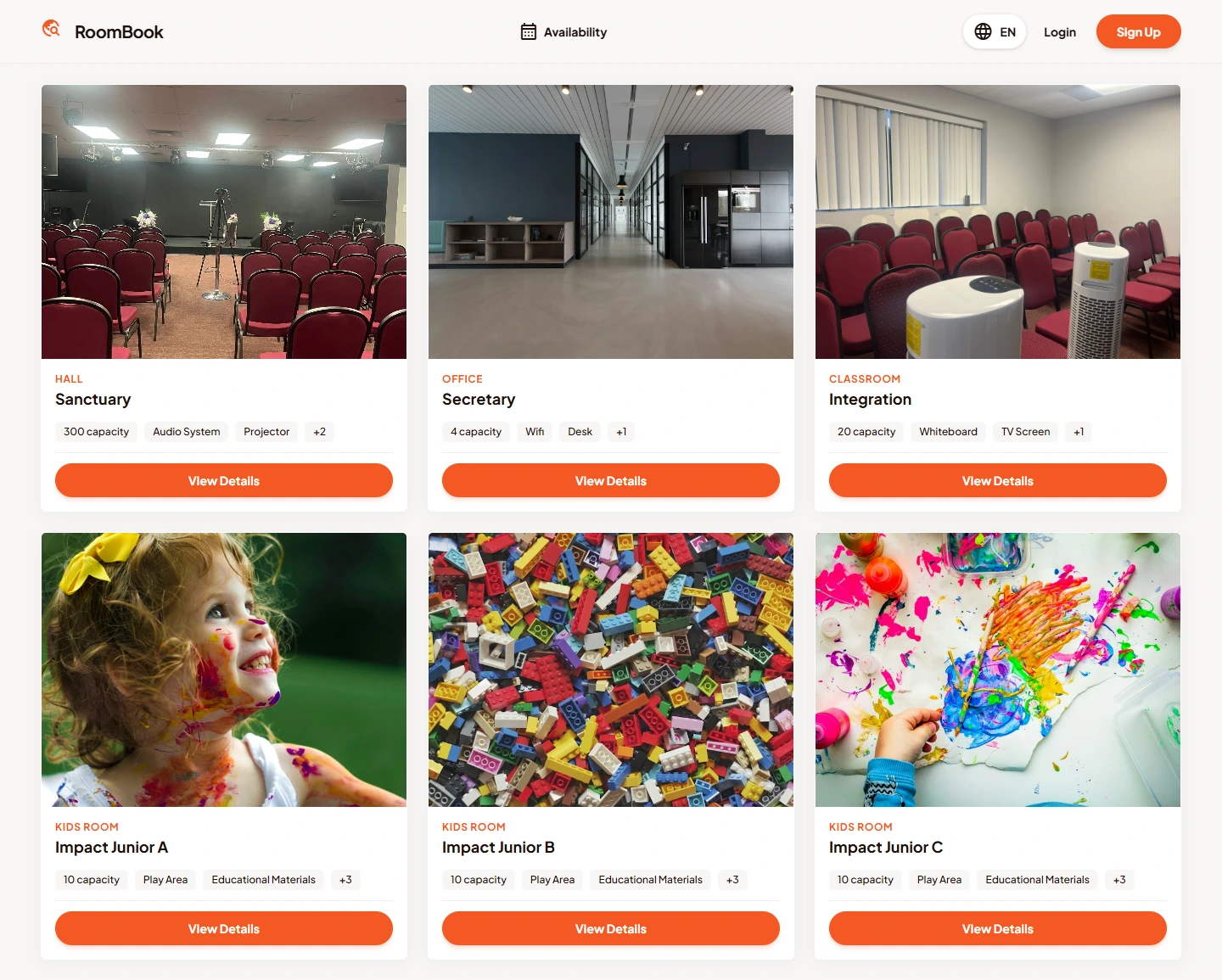

Homepage
This screen documents the published homepage page. Its navigation, imagery and content are shown in the full desktop capture, with a separate mobile view.
Content visible on this page: The room catalogue presents photographs, capacity and amenities for halls, offices, classrooms and children’s rooms. The availability page provides room filters and month, week and day views. Registration has a separate public form; no account or booking was created during capture.…
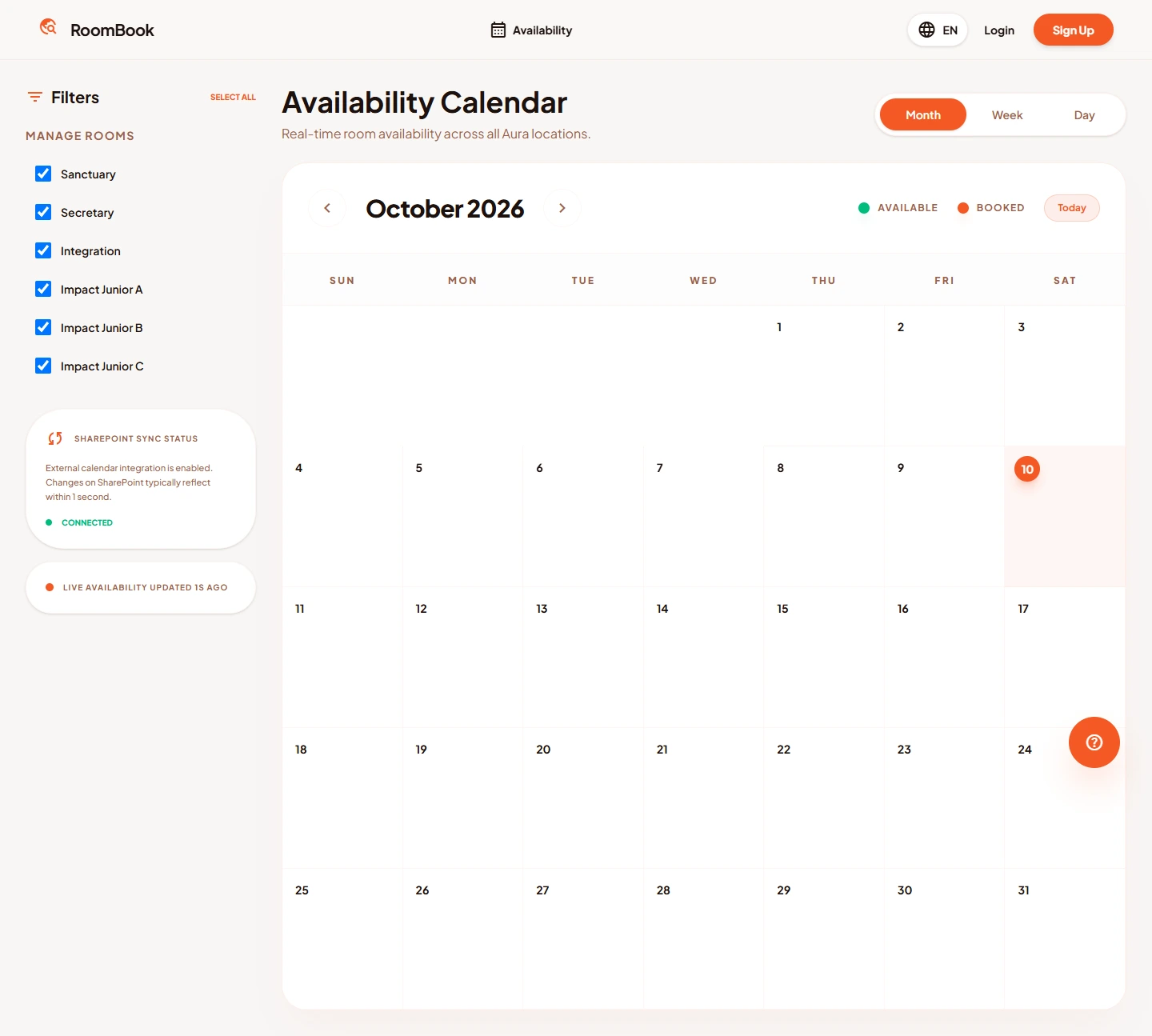
Availability
This screen documents the published availability page. Its navigation, imagery and content are shown in the full desktop capture, with a separate mobile view.
Content visible on this page: The room catalogue presents photographs, capacity and amenities for halls, offices, classrooms and children’s rooms. The availability page provides room filters and month, week and day views. Registration has a separate public form; no account or booking was created during capture.…

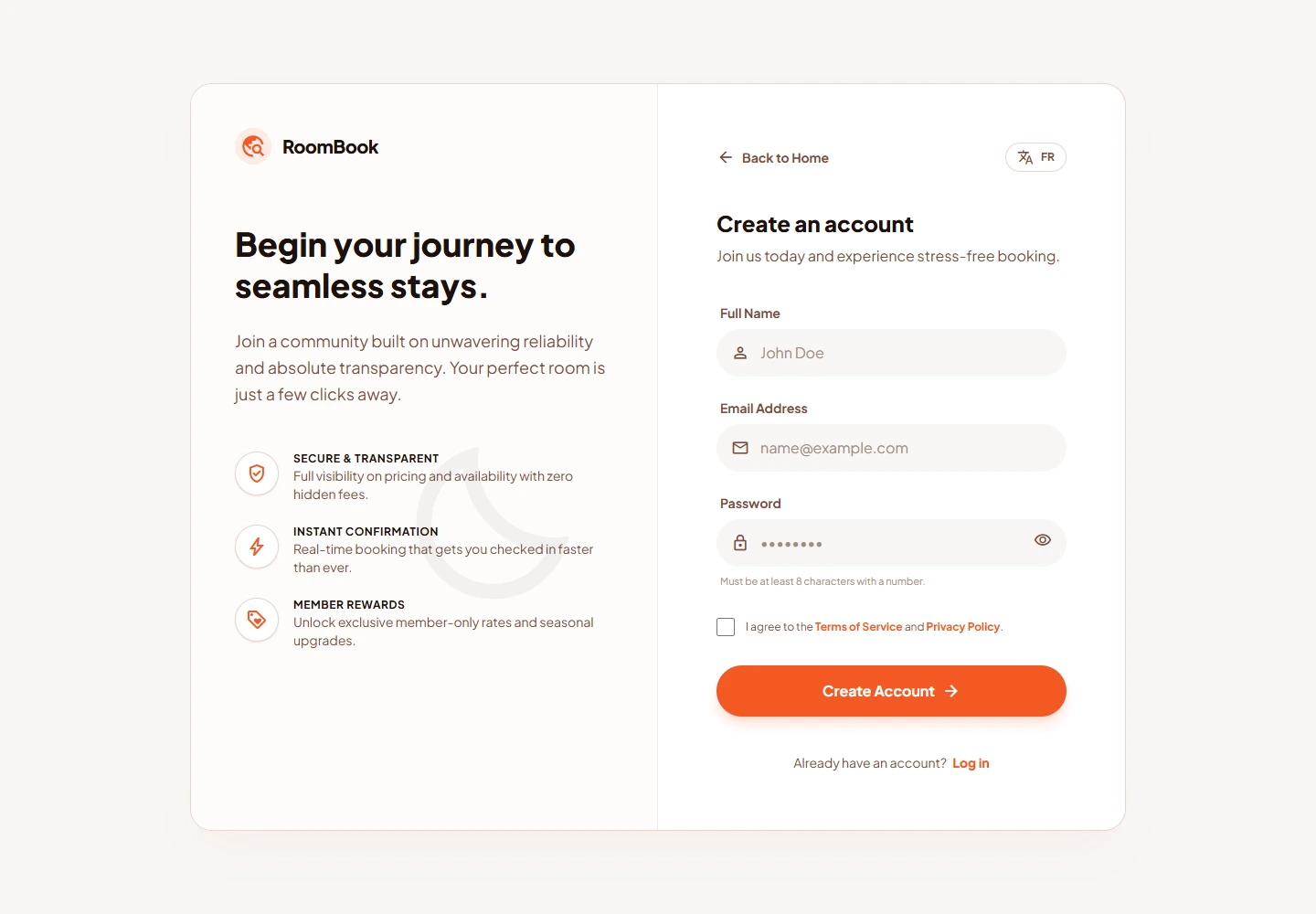

Sign Up
This screen documents the published sign up page. Its navigation, imagery and content are shown in the full desktop capture, with a separate mobile view.
Content visible on this page: The room catalogue presents photographs, capacity and amenities for halls, offices, classrooms and children’s rooms. The availability page provides room filters and month, week and day views. Registration has a separate public form; no account or booking was created during capture.…